Retail Planogram App (redesign)
CompanyX

Overview

The planogram software is a tool designed to streamline store layout management by offering an intuitive platform for organizing product placements. It bridges the gap between corporate guidelines and in-store realities. Drawing from my experiences in retail, the software aims to simplify the planning process for store associates. By observing how coworkers used the old method, the software incorporates features that prioritize ease of use and operational efficiency.

Team

  • Sole Designer

Responsibilities

  • User Research

  • Wireframing/Prototyping

  • UX/UI Design

  • Usability Testing

Duration

  • June 2022 - July 2024

Problem

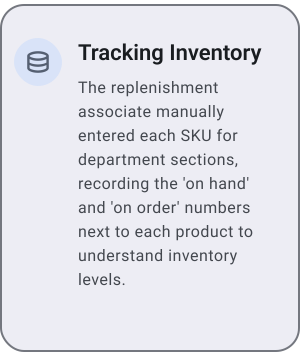
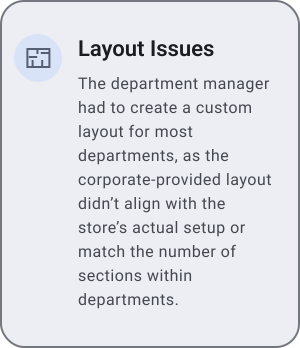
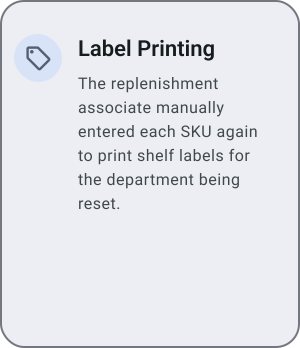
The current workflow is hindered by redundant steps, outdated department layouts, unnecessary paper usage, and a poorly designed user flow hidden within the company's internal website. These inefficiencies obstruct productivity, create frustration, and diminish the overall ease of use for retail associates.

Solution

I developed a personalized mental health app that adapts to users' unique emotional needs, complements professional care, and provides intuitive tools for both daily self-care and moments of crisis.

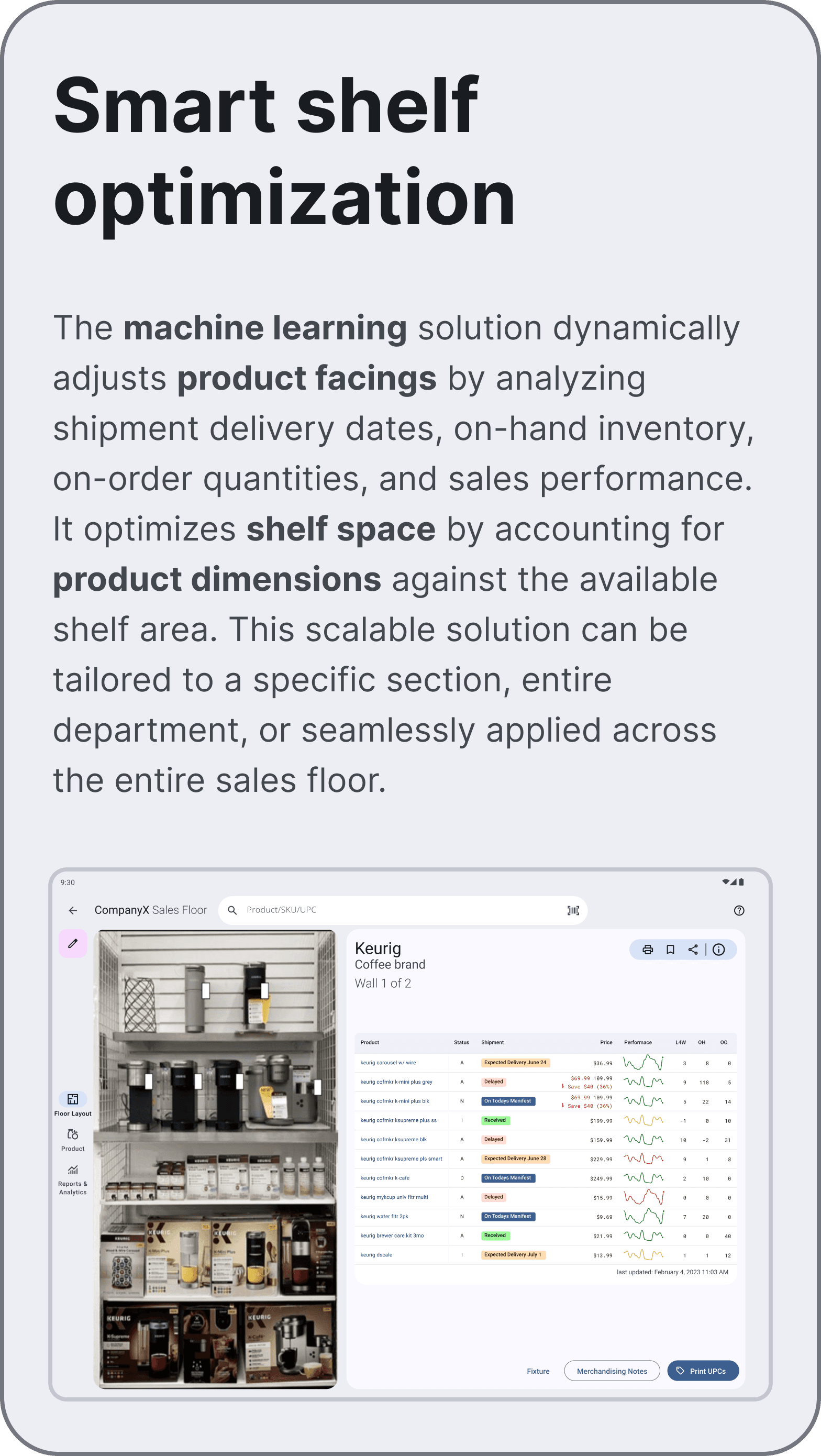
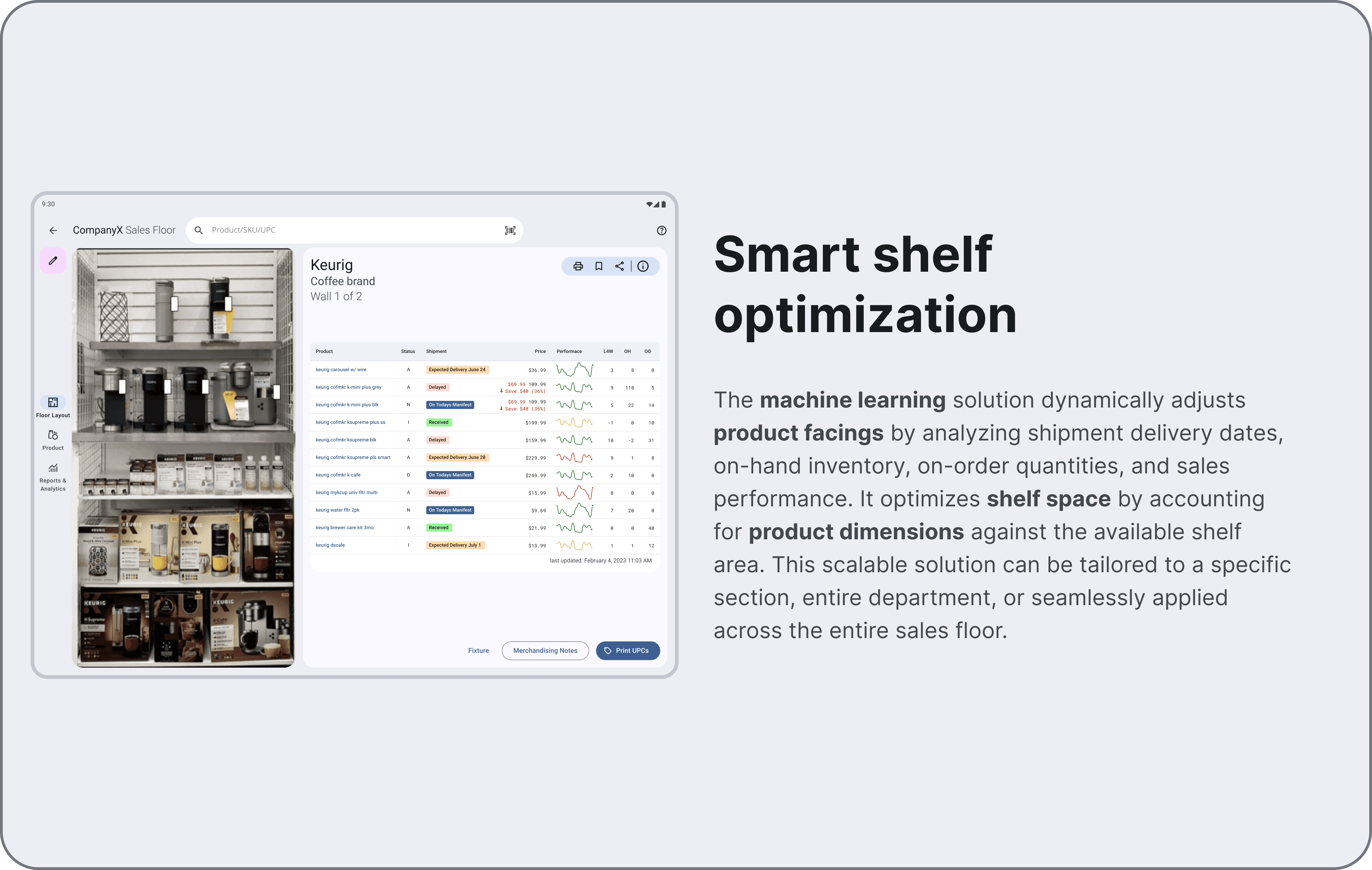
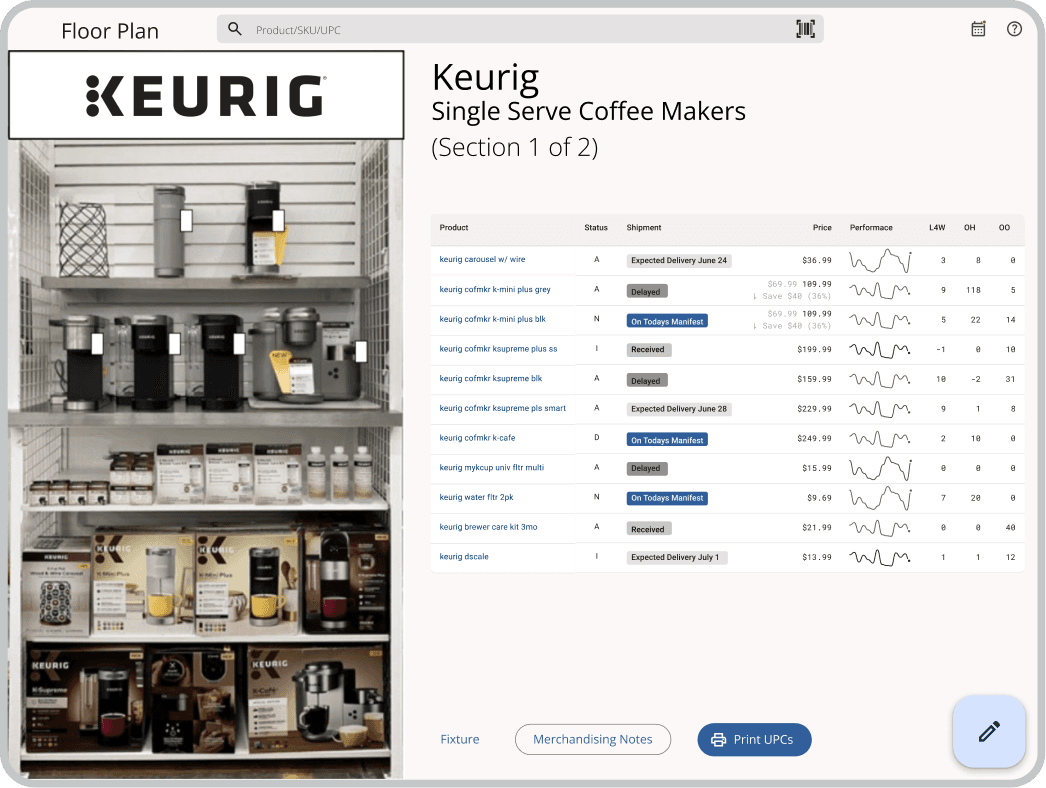
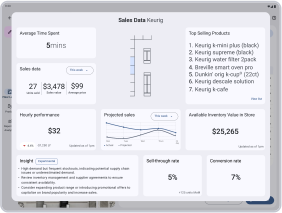
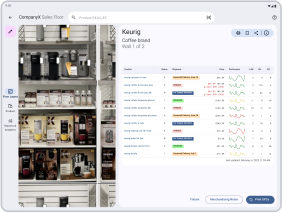
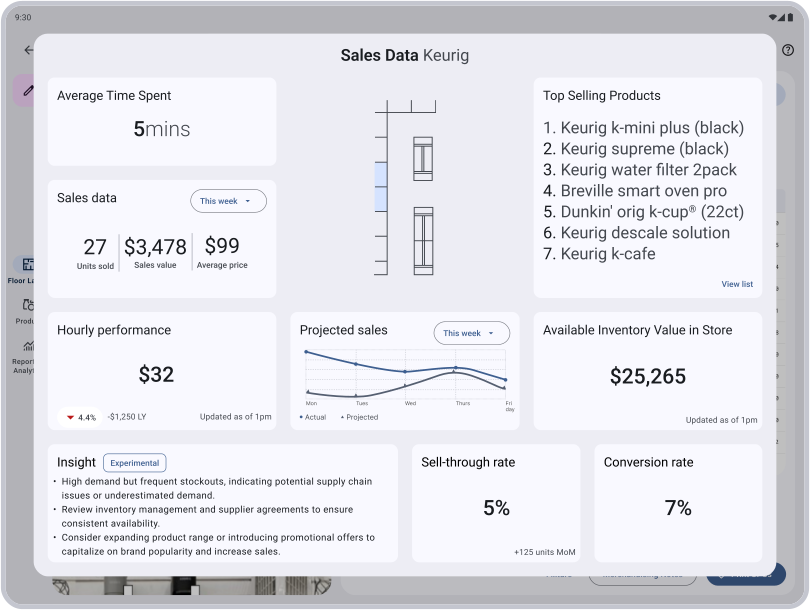
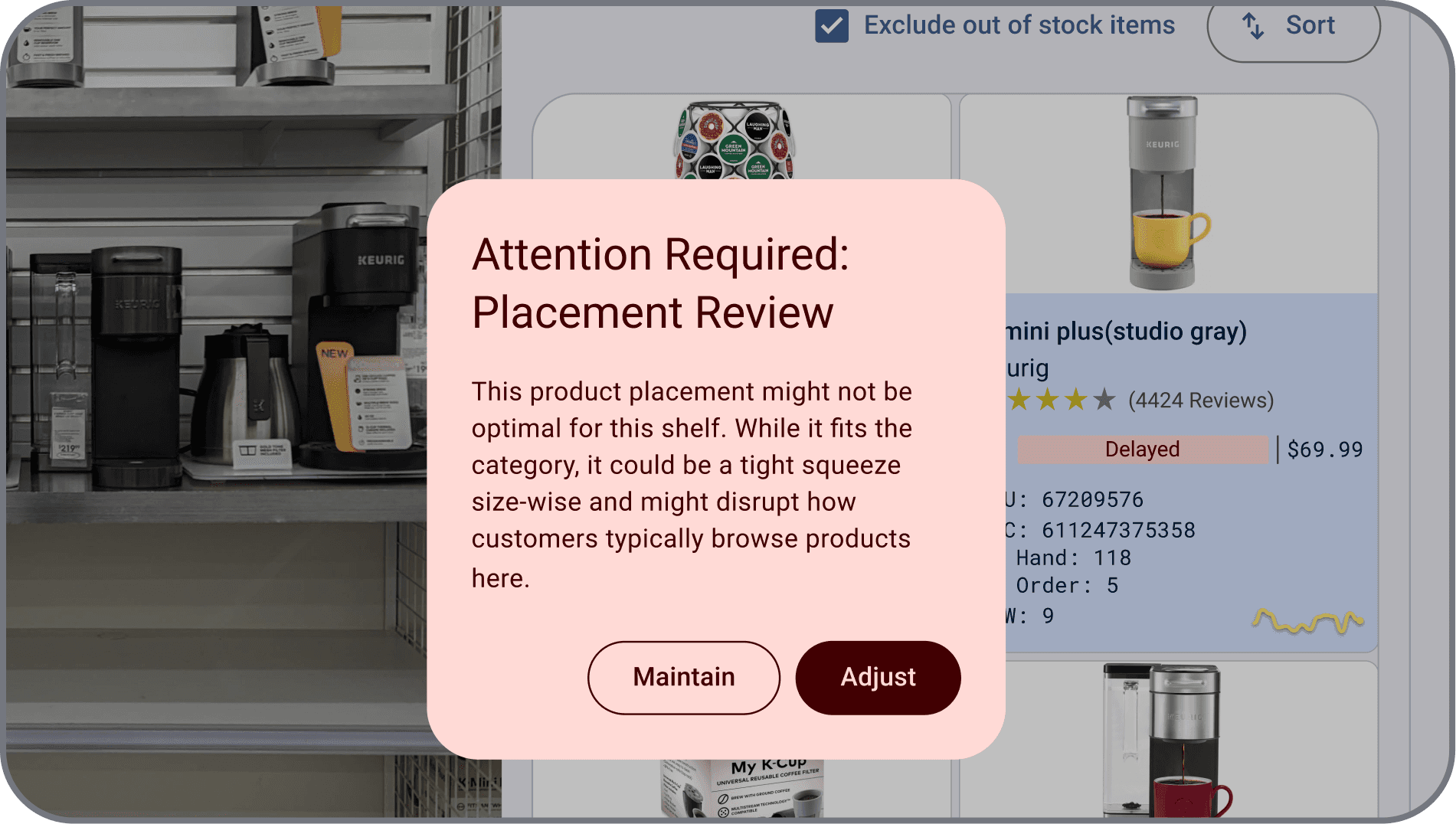
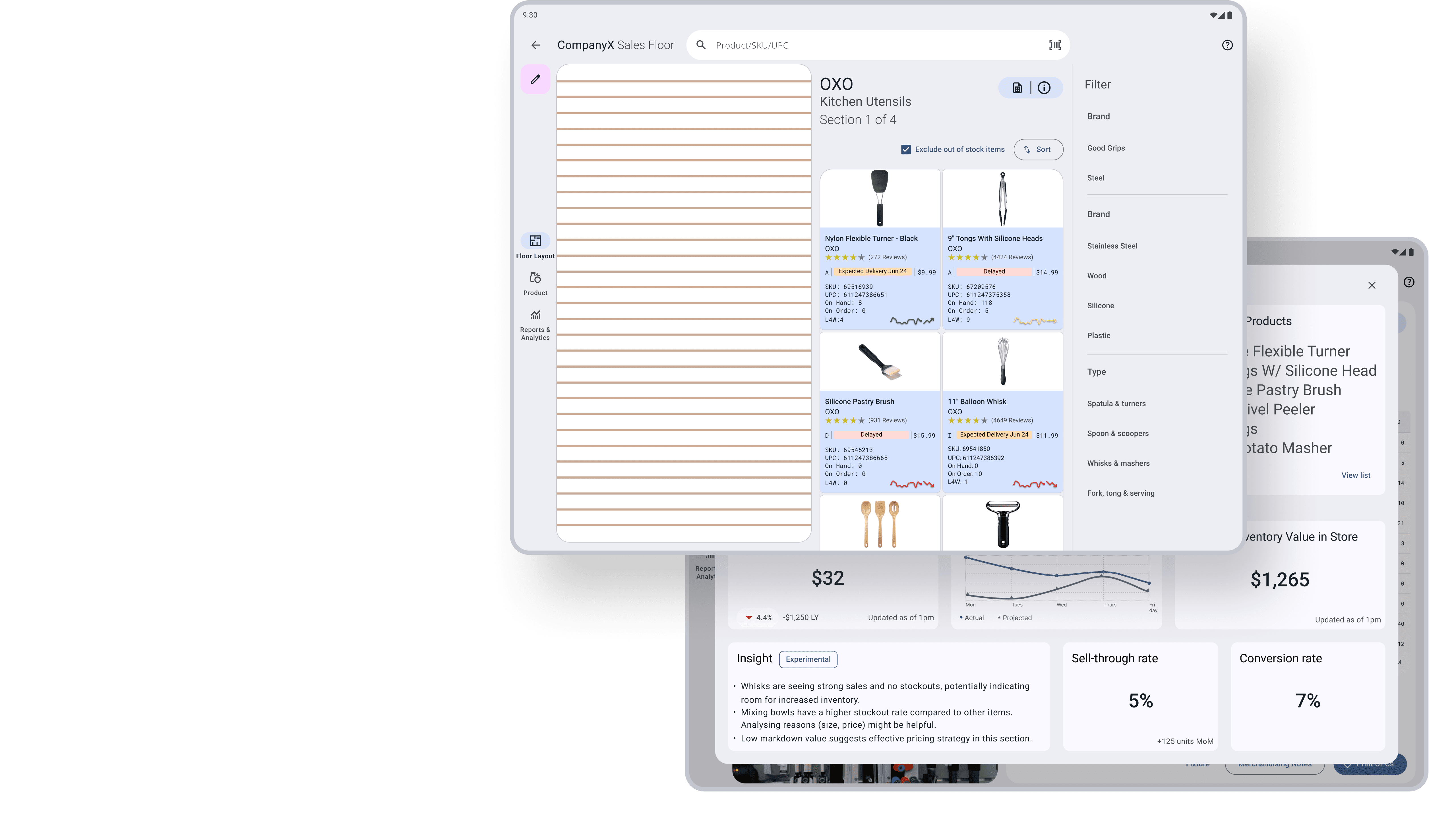
Tablet interface showing a Keurig coffee display alongside a data table of shipment dates, sales graphs, and inventory optimization metrics.
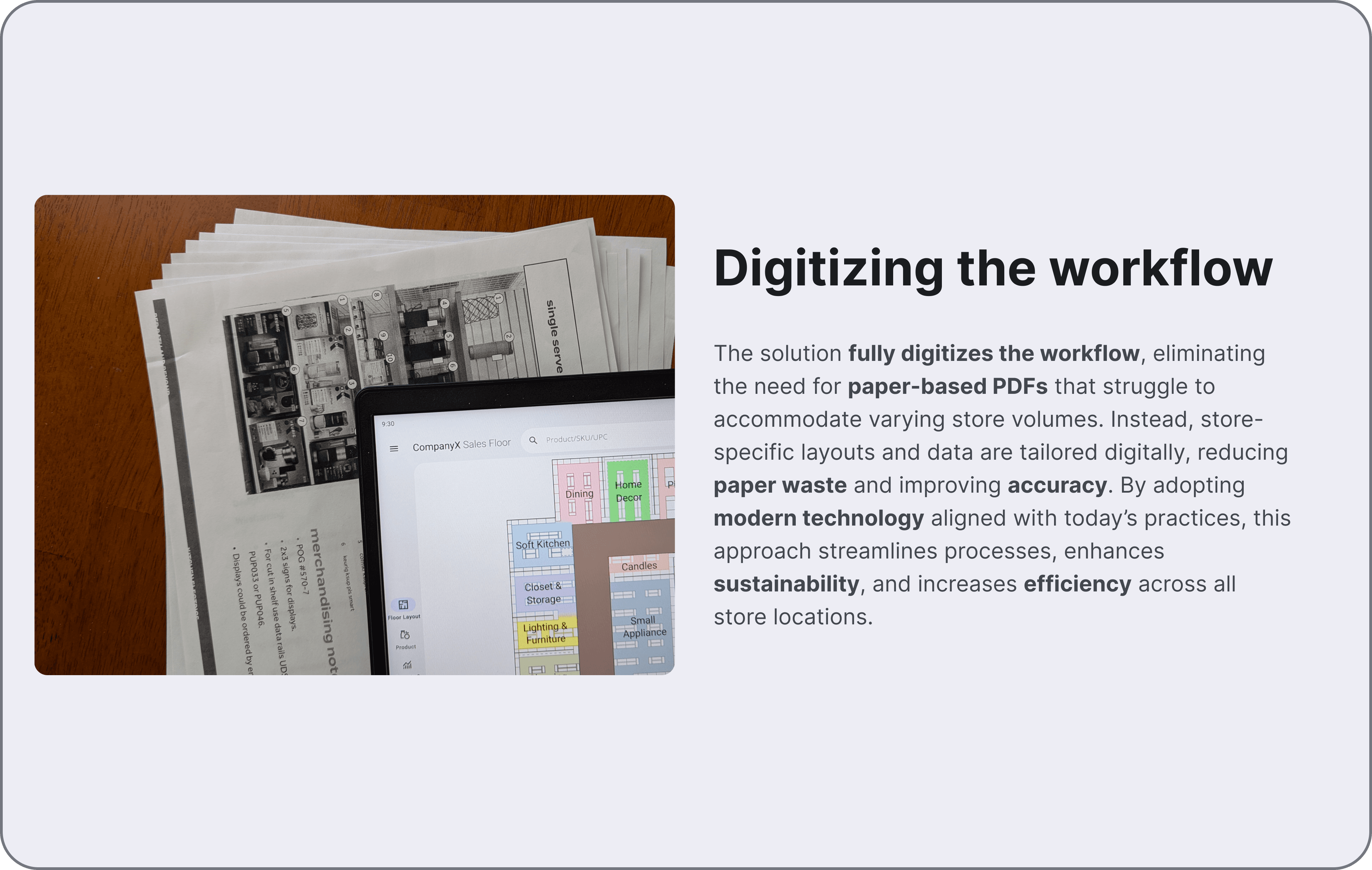
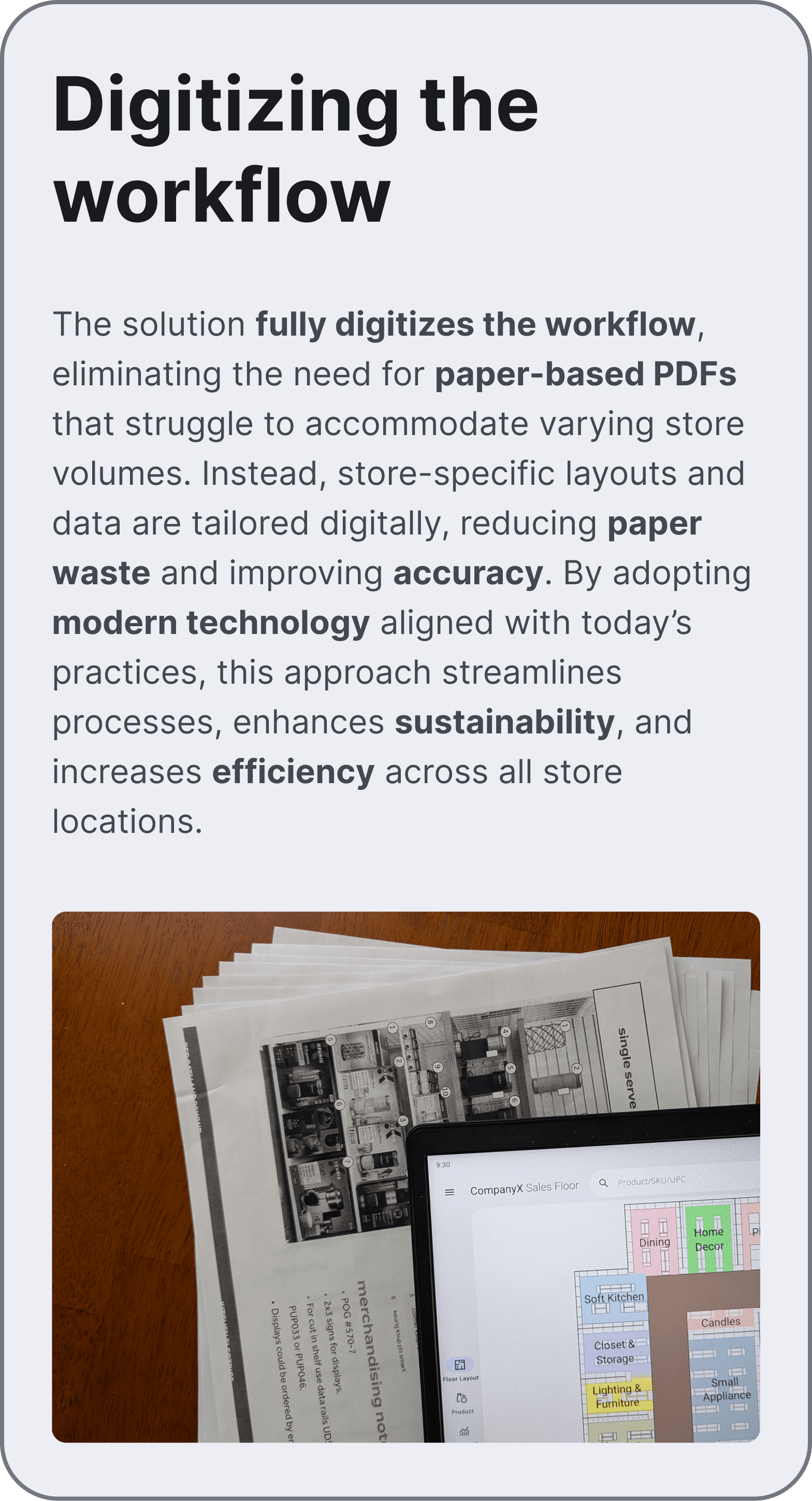
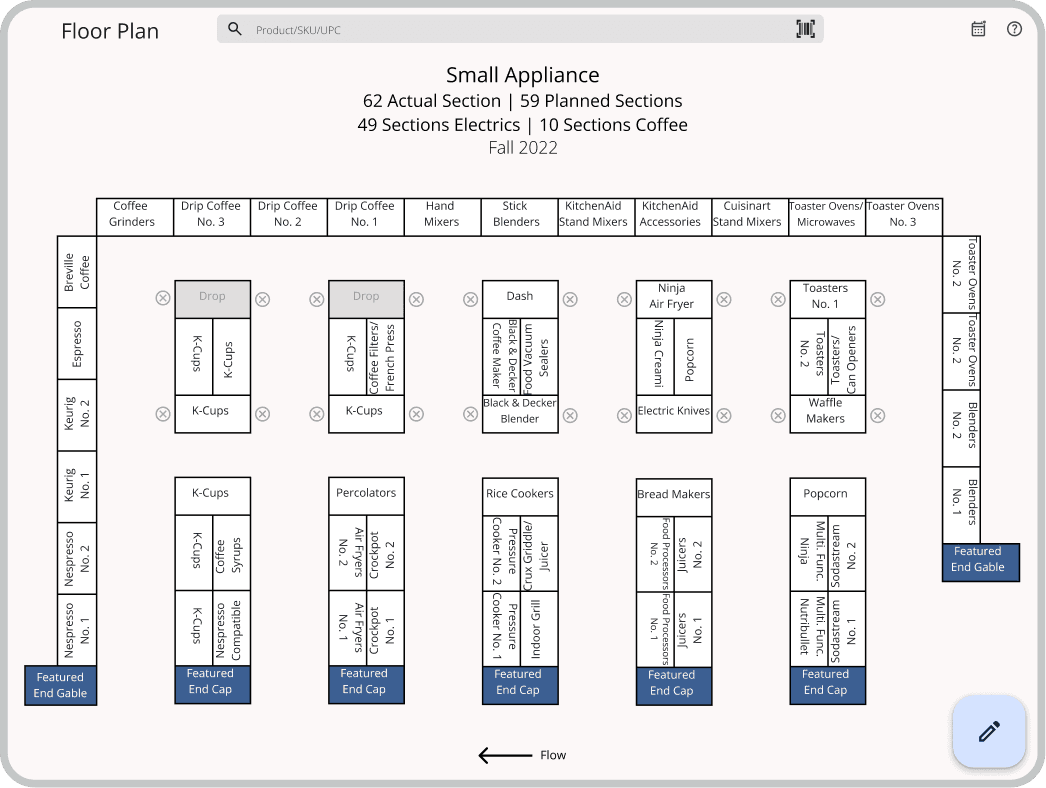
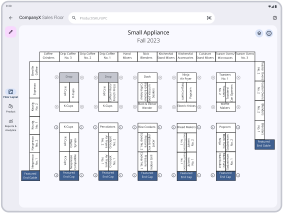
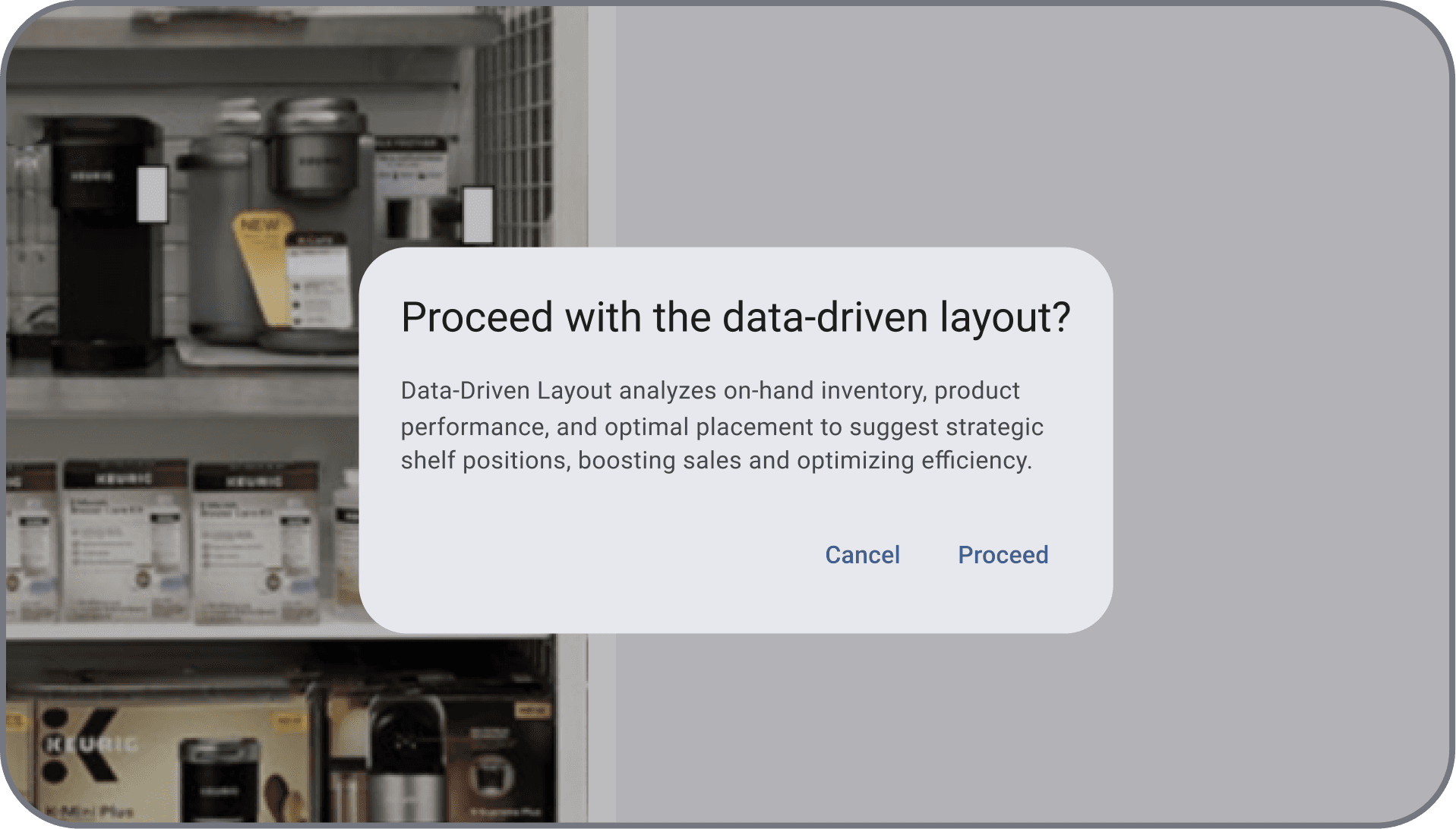
A tablet displaying a digital store floor plan layout resting on top of a stack of printed paper planograms to illustrate workflow digitization.
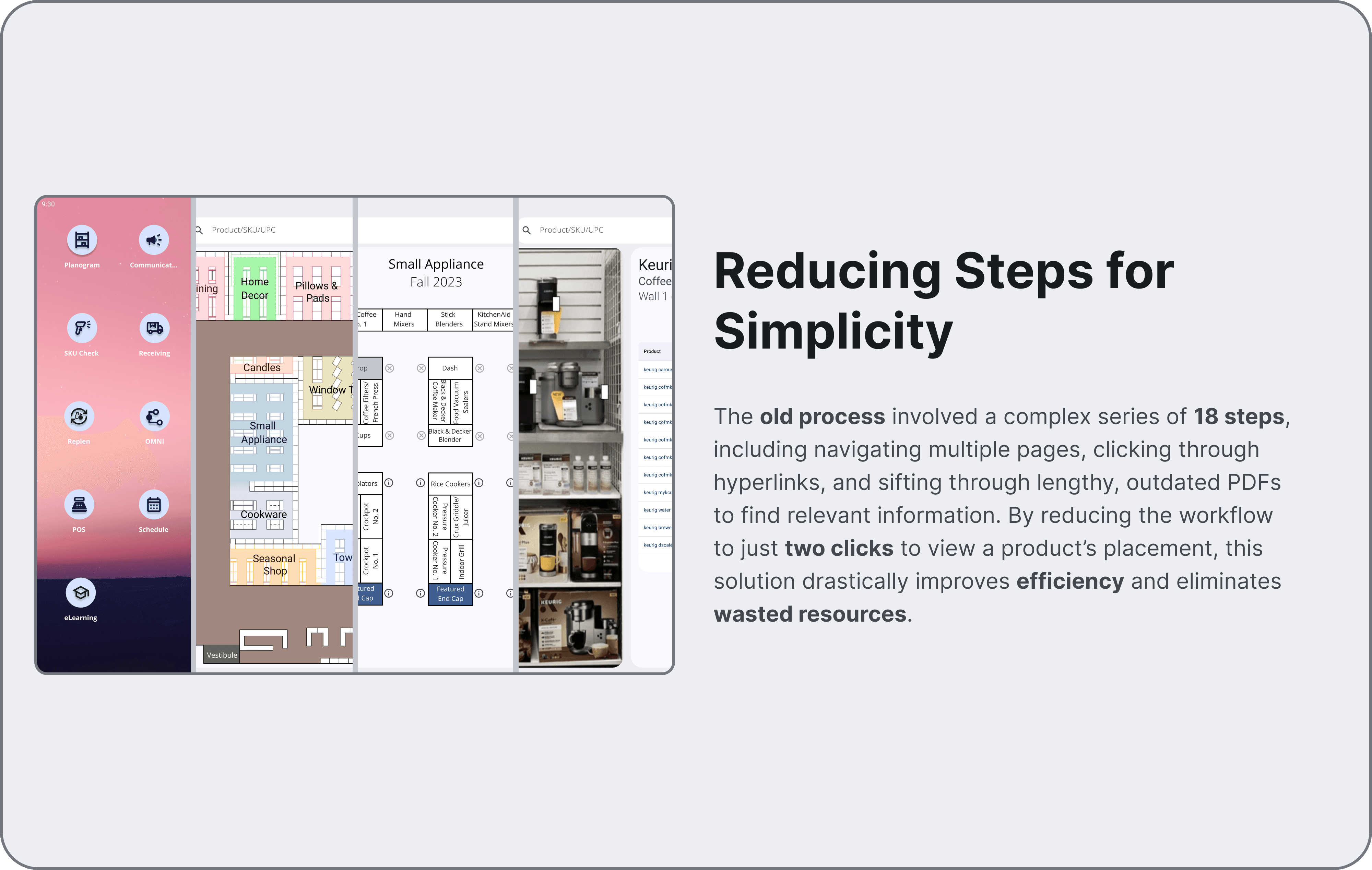
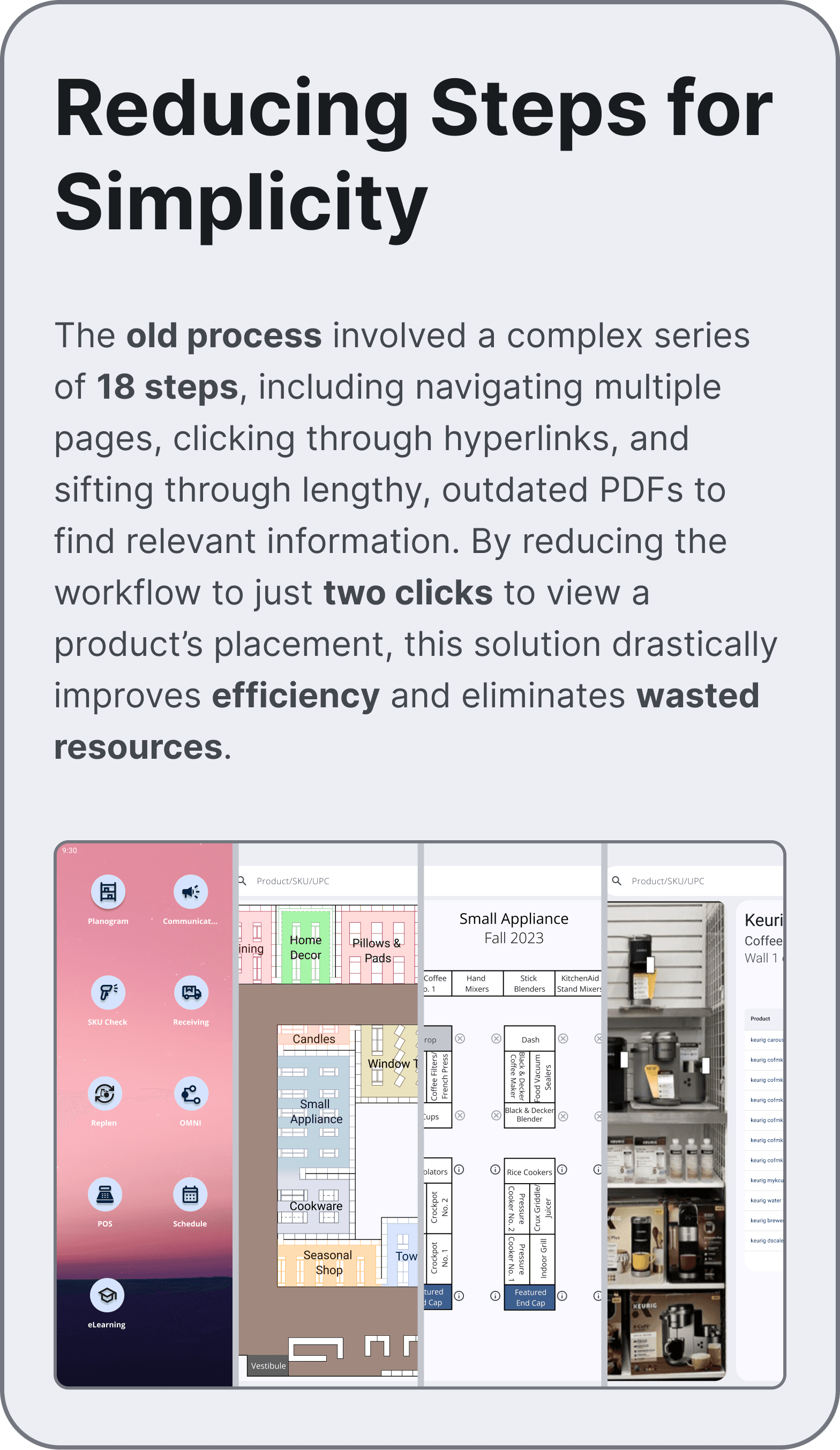
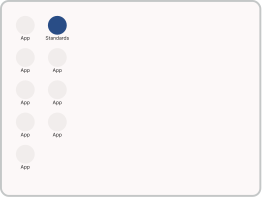
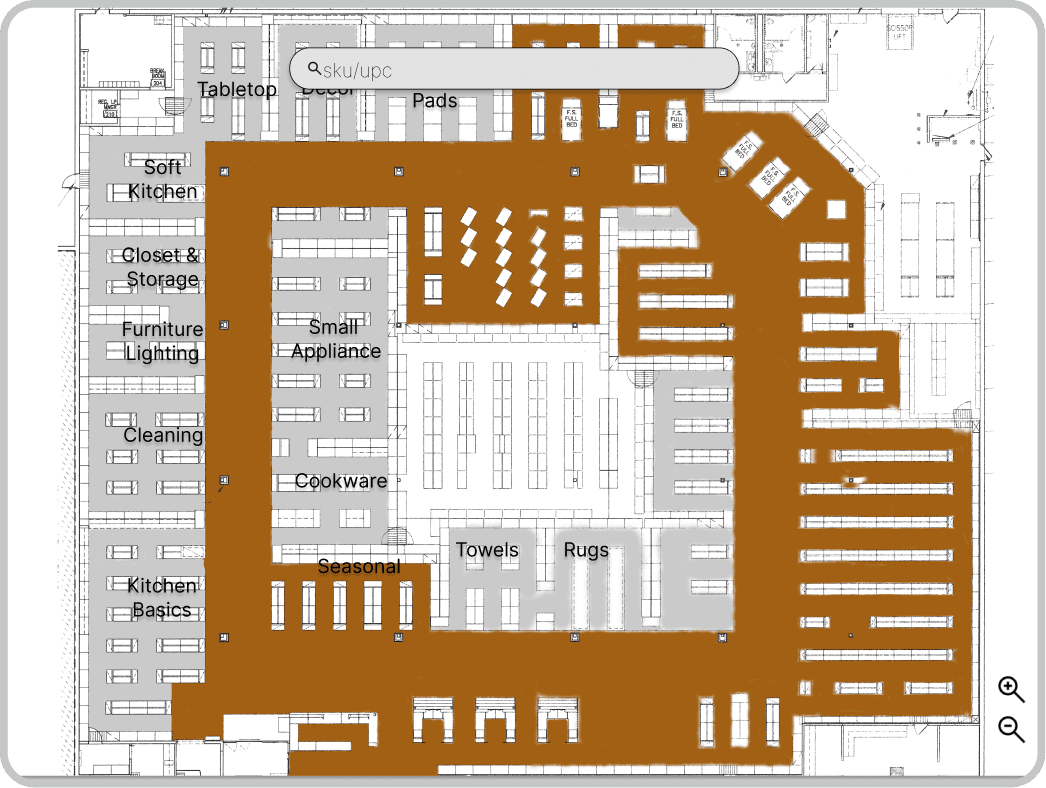
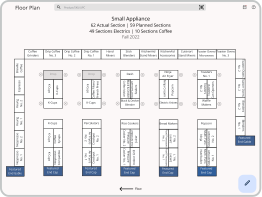
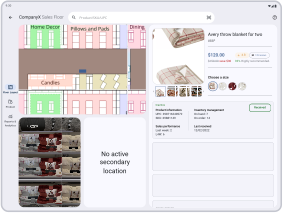
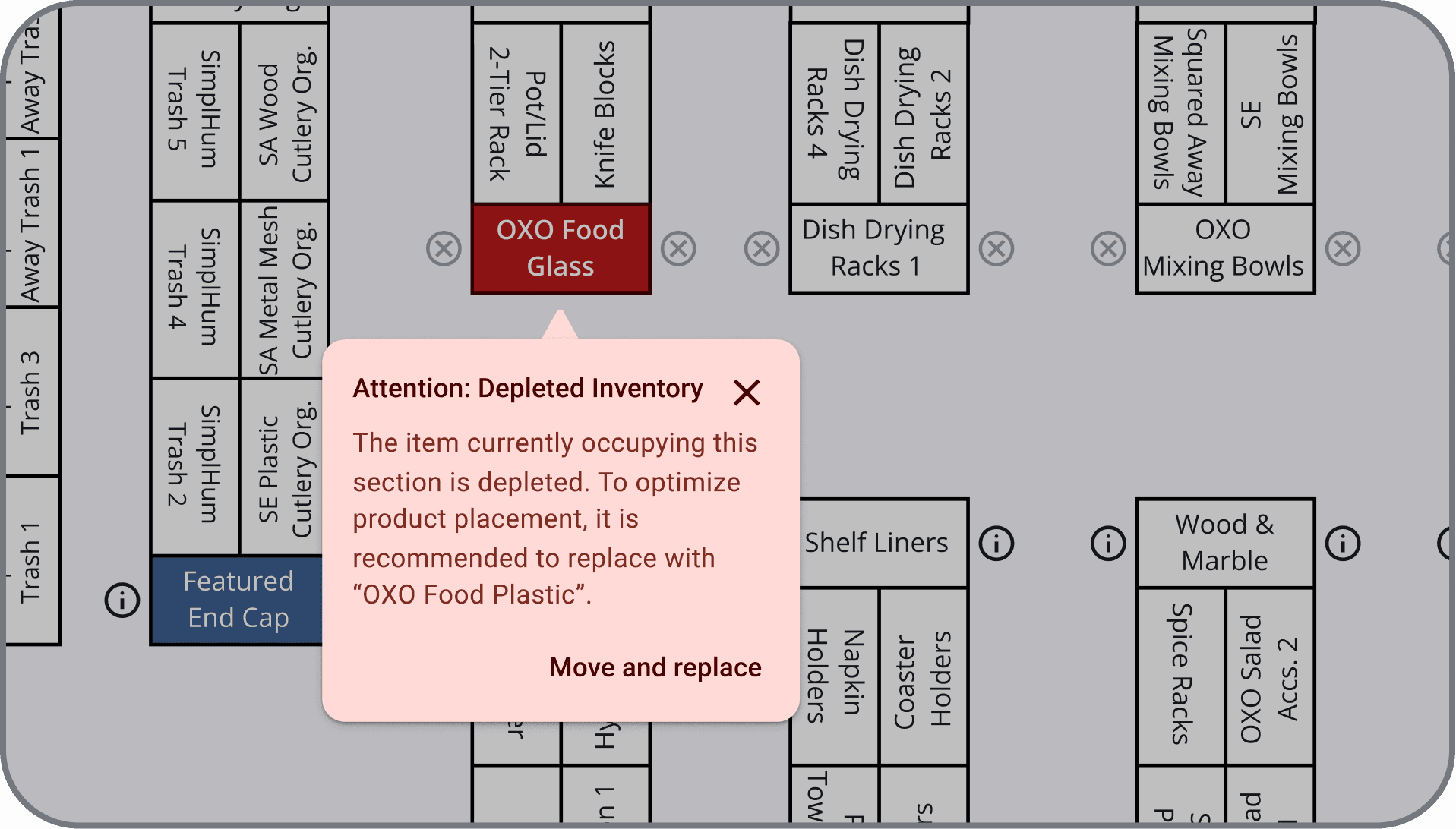
A series of four app screens showing the progression from a main menu to a store floor plan, then to a detailed product shelf planogram.

Design Process

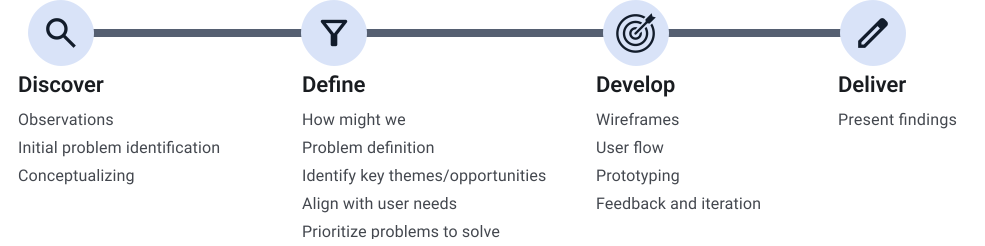
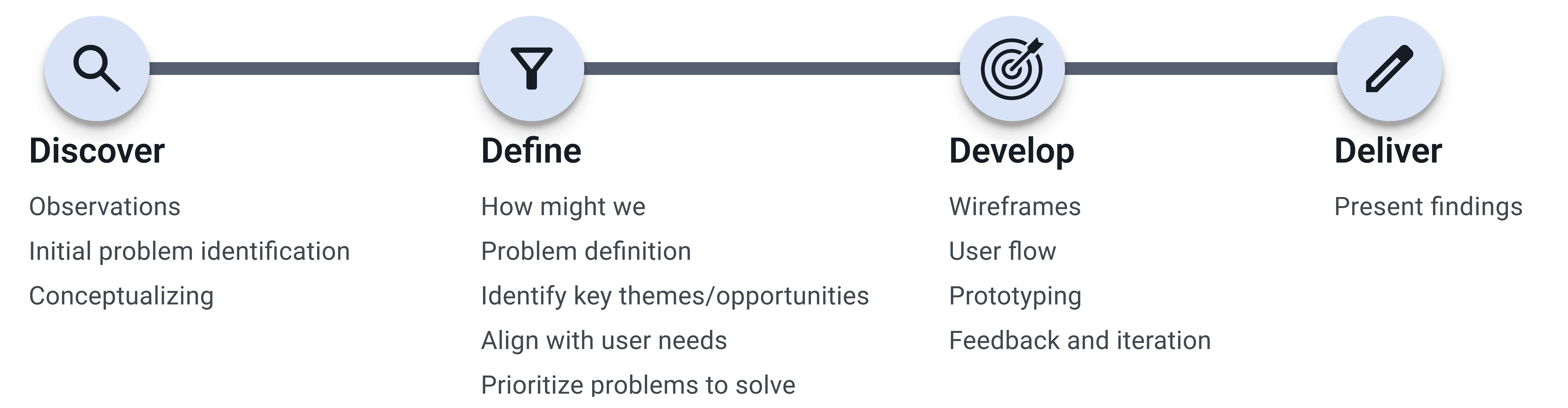
After identifying the gaps in current mental health apps, I designed an application guided by user-centered design principles and created a low-fidelity prototype. I conducted user testing with five participants, incorporating their feedback to refine the design and ensure it addressed diverse mental health needs effectively. This iterative process led to the development of a high-fidelity prototype tailored to user preferences and behaviors.

Process Insights

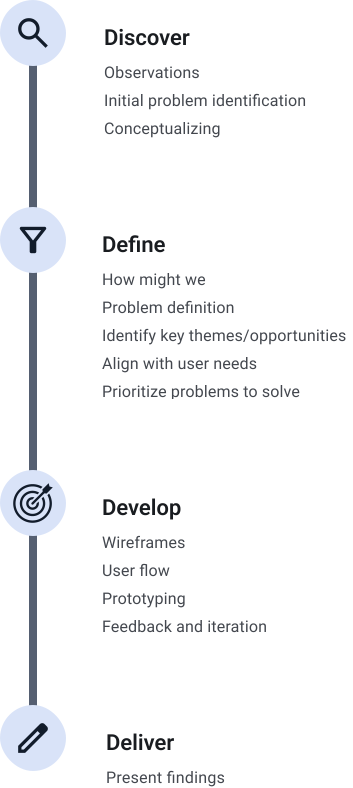
To better understand the existing workflow, I conducted observational research, noting how associates interacted with the old process. This allowed me to identify pain points and opportunities for improvement based on real-world behaviors.

Field research photos showing the physical and cognitive challenges of using a fragmented, paper-based planogram system on a busy retail floor.
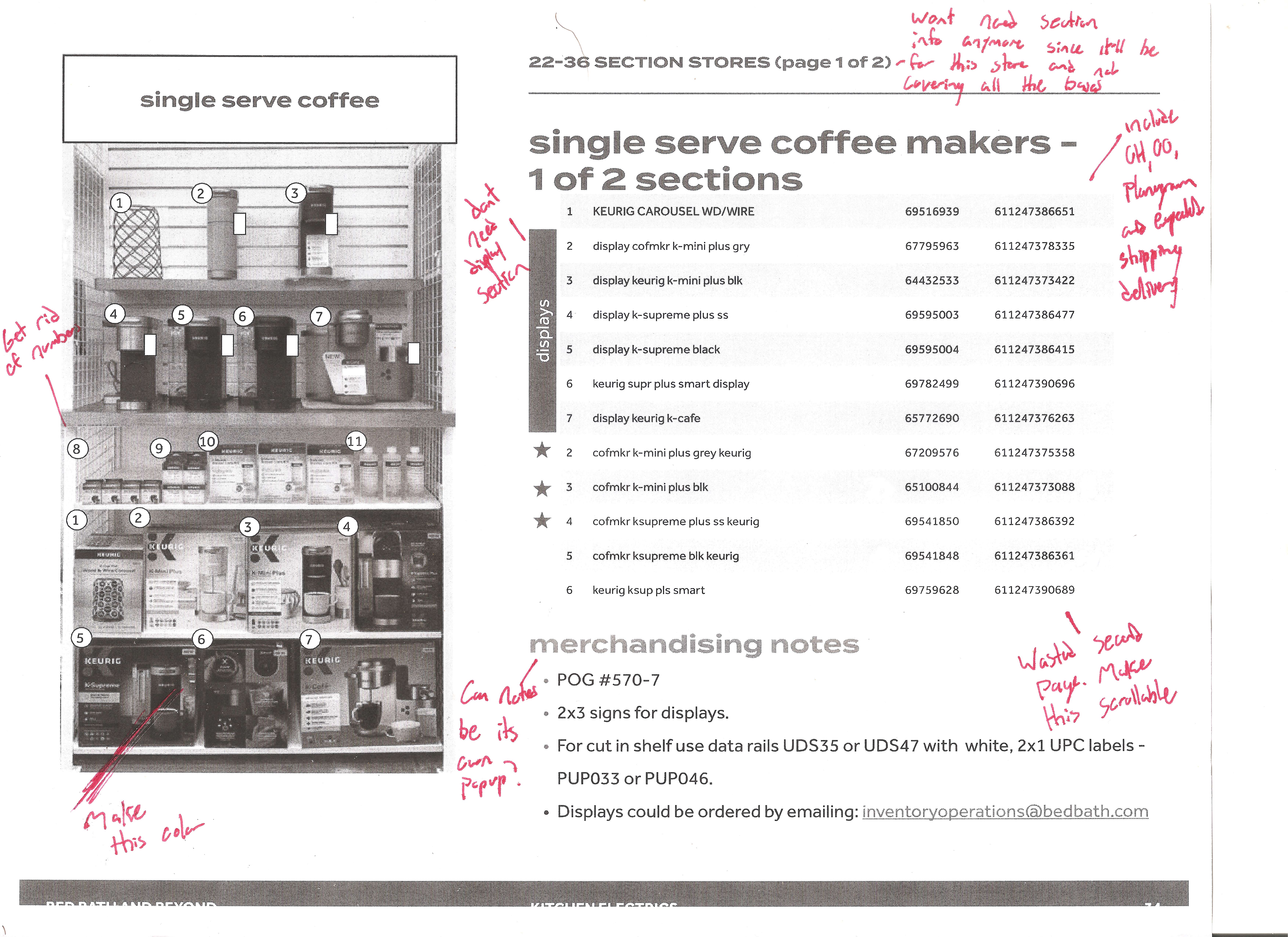
A printed store layout covered in red ink annotations, documenting manual corrections and the inefficiency of static paper-based planograms.

Competitive Analysis

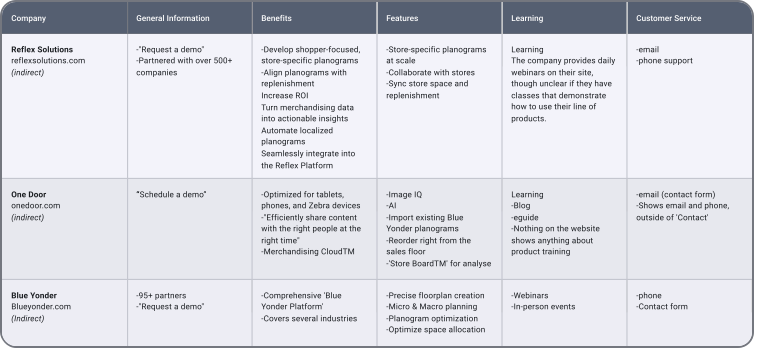
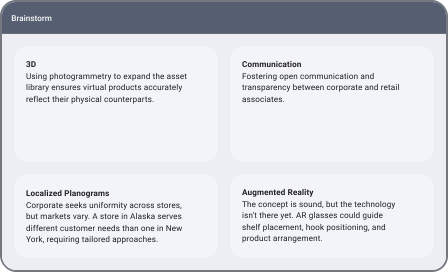
To better understand the current landscape, I researched top planogram apps used by leading companies. While these apps were indirect competitors, they offered valuable insights into industry standards and innovative features. This exploration broadened my perspective on potential approaches and possibilities.

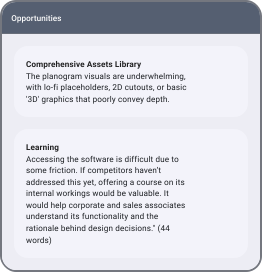
A competitive audit table comparing features of leading planogram apps to identify industry standards and opportunities for UX innovation.

Design System

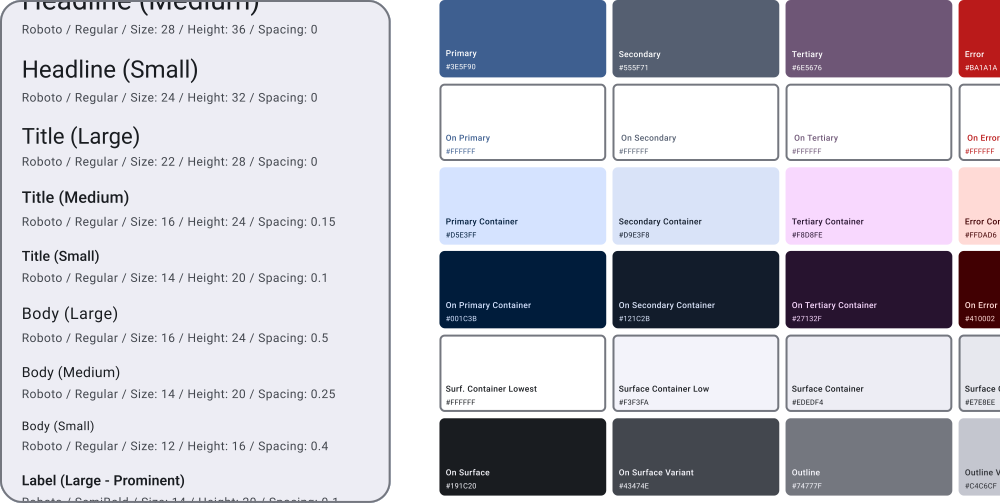
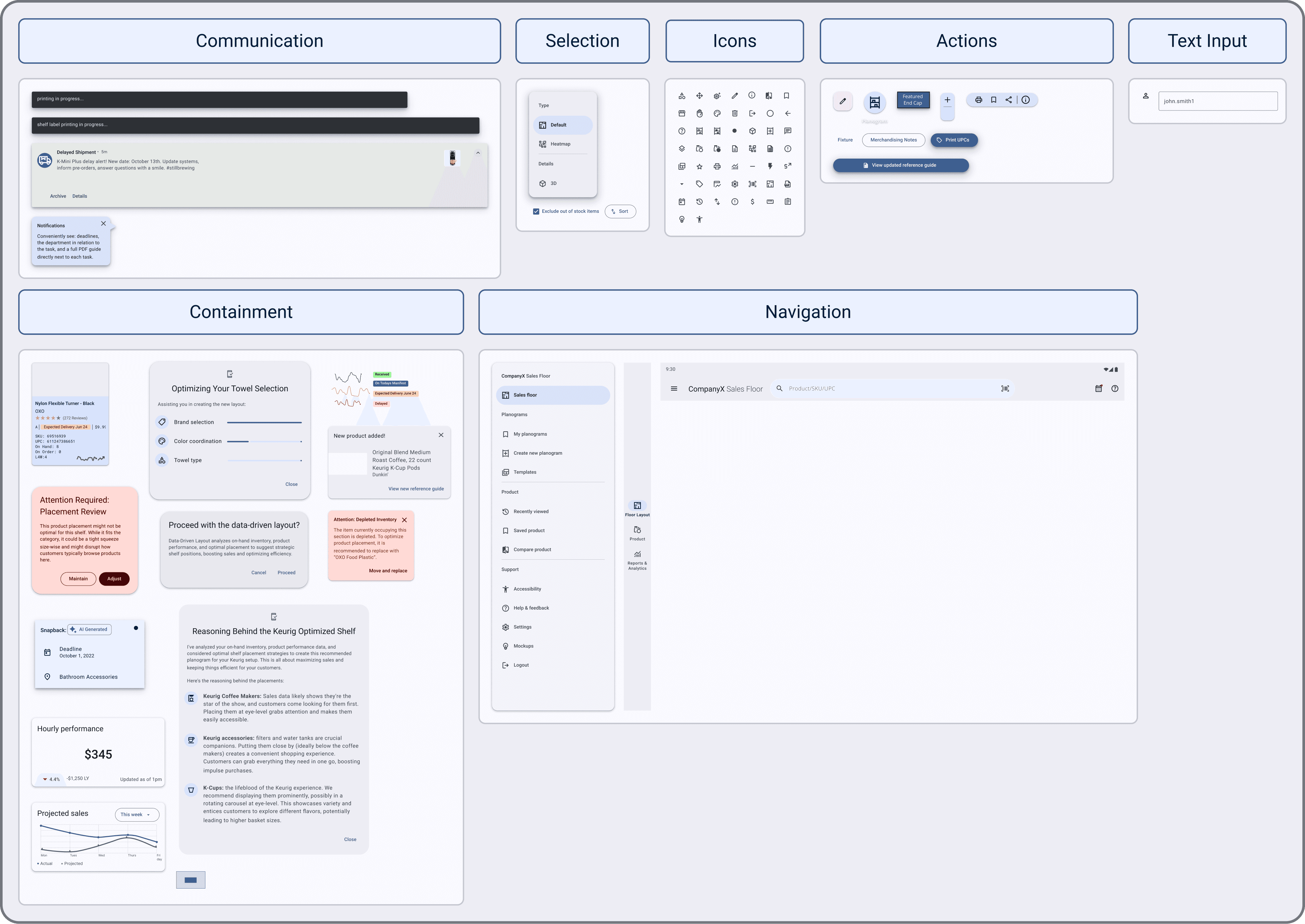
The design system for the planogram app was built using Google’s Material Design principles, focusing on cohesive components and interactions. This approach ensured a visually consistent, accessible, and user-friendly experience for both corporate and retail users.


Design system specs showing Roboto typography and a Material 3 palette of professional blues, slate greys, and plums for high-contrast accessibility.
A collection of UI components within a mobile retail management interface.

How Might We

By observing associates navigate the old workflow, I identified key pain points and inefficiencies in their process. Applying the "How Might We" method, I transformed these challenges into actionable design opportunities, paving the way for solutions that streamline tasks and improve overall efficiency.

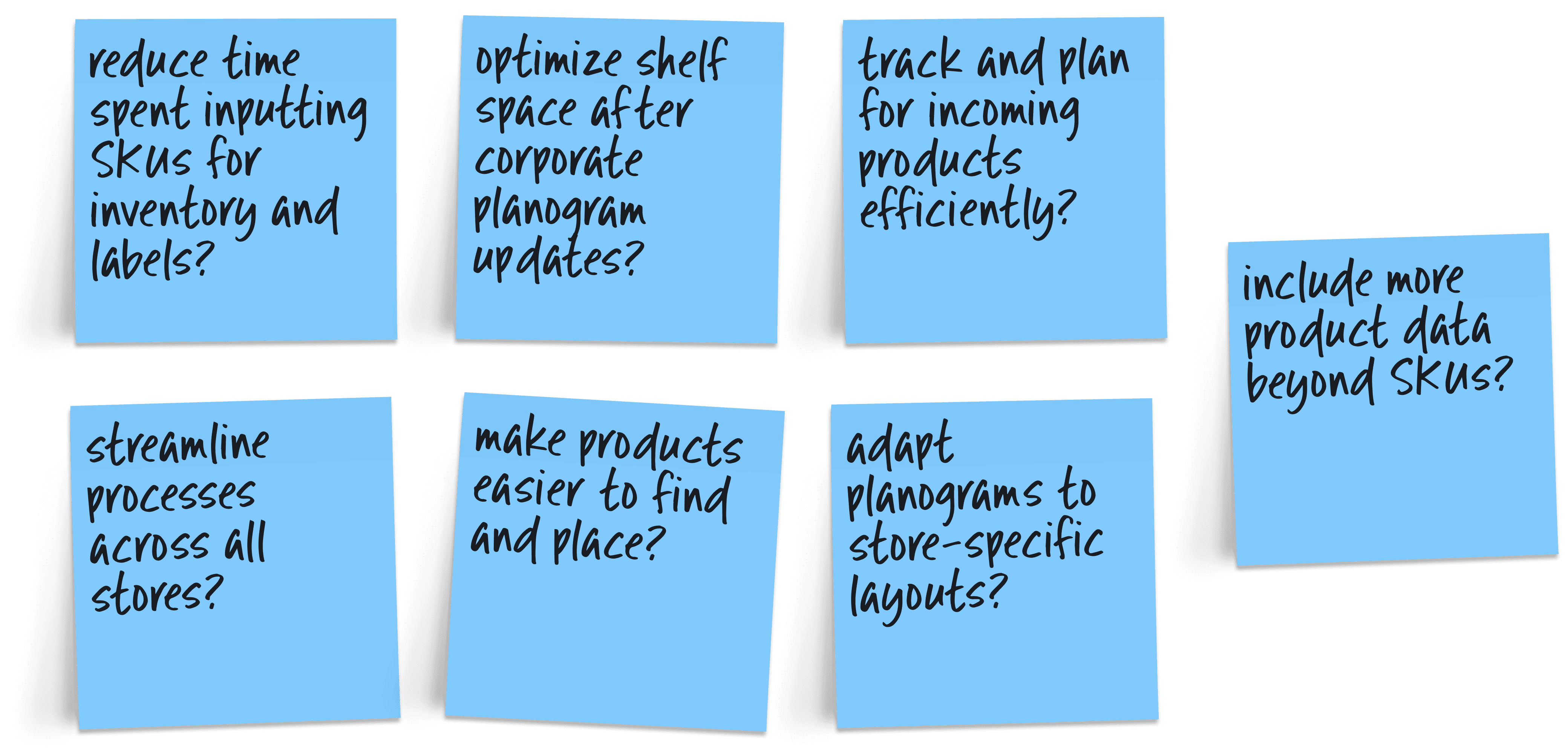
Five blue digital notes presenting 'How Might We' statements focused on real-time data accuracy, error reduction, and mobile efficiency for retail.

User Flow

Due to the deep interwoven complexity of the project, I created a user flow to ensure every interaction was properly mapped and prototyped. This process allowed me to refine the structure, confirm feasibility, and maintain a cohesive experience.
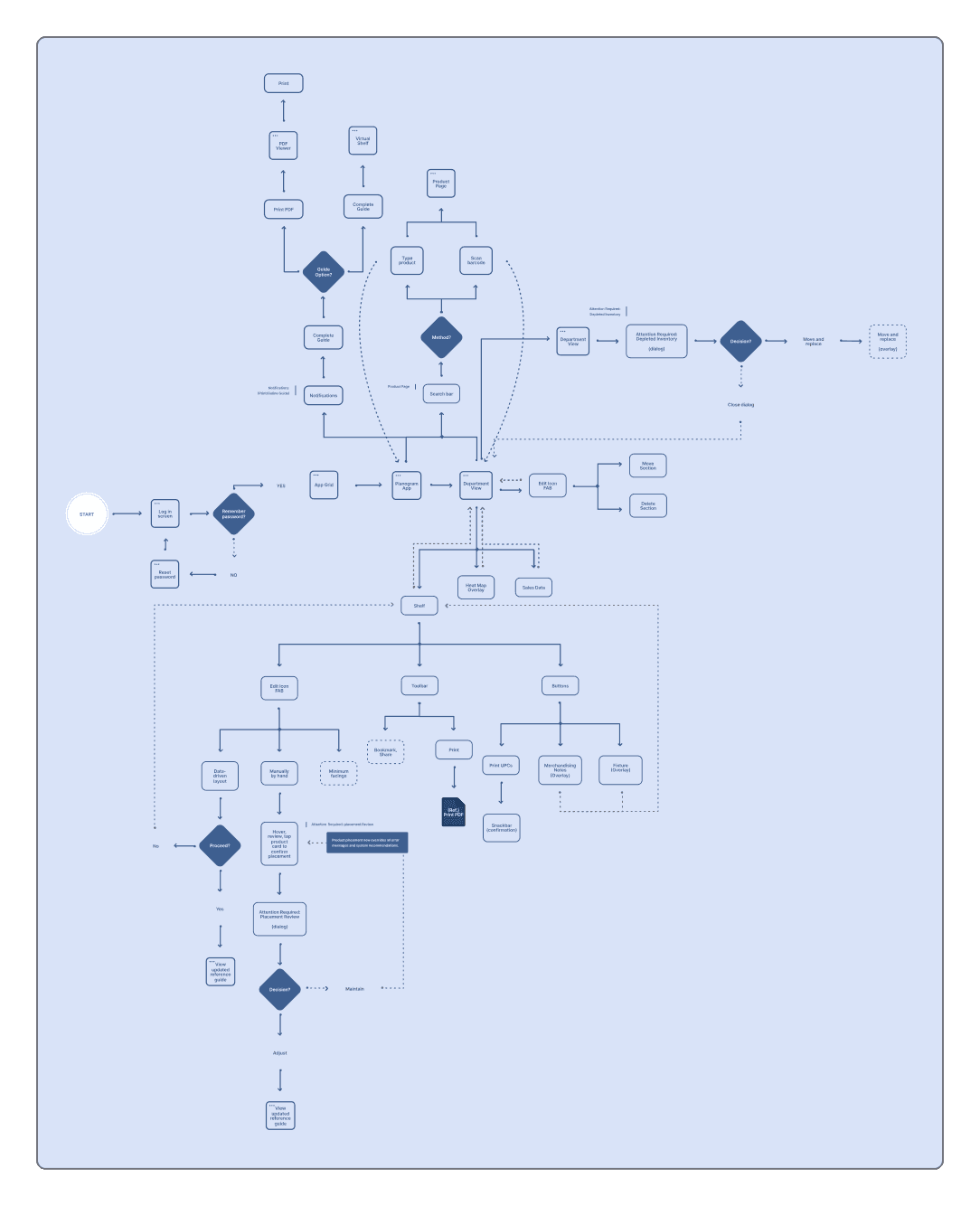
A user flow diagram mapping the logical path from task selection to planogram execution, including decision nodes for error handling and verification.

Low-Fidelity Prototype

I created a low-fidelity prototype to pinpoint the core screens that would anchor the design. This helped establish the main user flows early on, ensuring a solid framework to refine interactions and gather meaningful feedback.
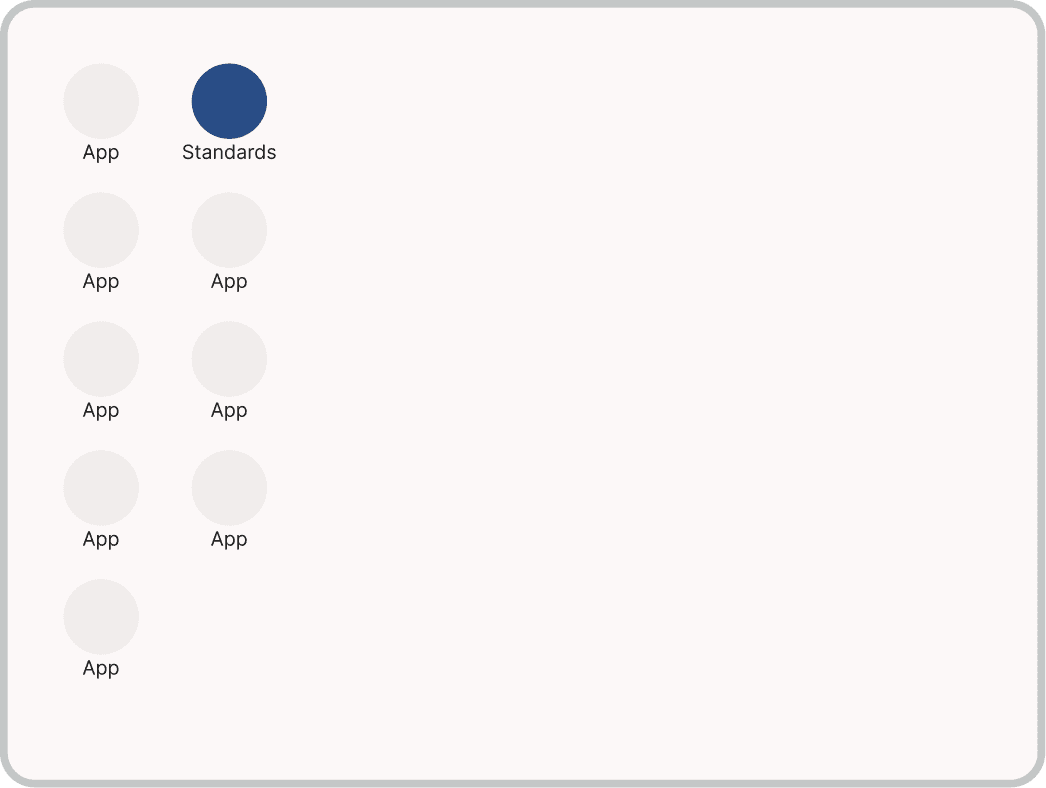
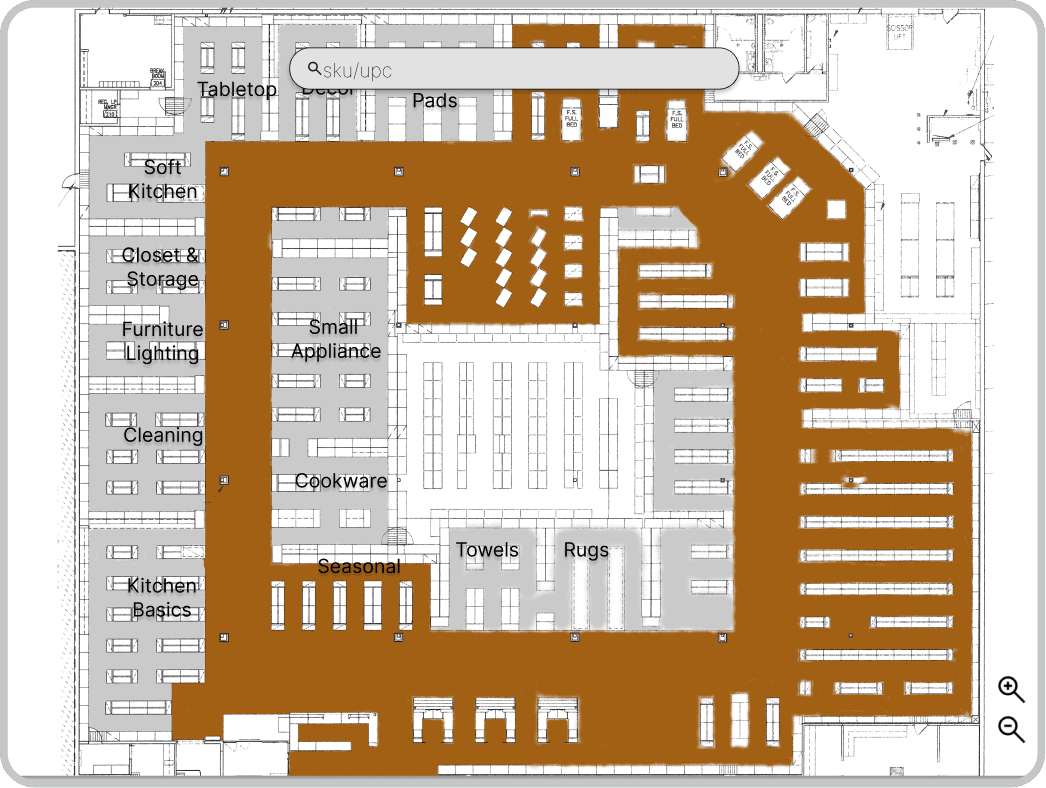
Grayscale wireframes for a mobile retail app featuring subtle accents of blue to highlight primary actions and navigation in the prototype.

Usability Study

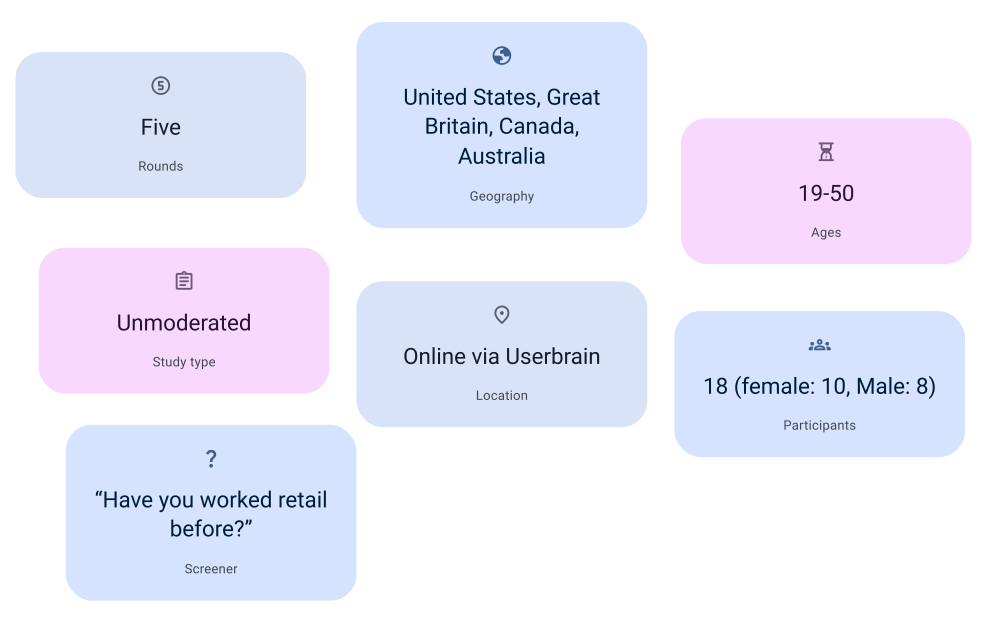
I conducted a usability study with testers who had prior or current retail experience to ensure the feedback was relevant to real-world workflows. The study included multiple testing rounds, focusing on how users interacted with key features and tasks within the app. This allowed me to identify pain points and refine the user experience based on practical insights from retail professionals.

An infographic summarizing 5 rounds of unmoderated testing with 18 global participants, aged 19–50, using Userbrain to validate the retail interface.

Design Iteration

Design iterations for the planogram app were guided by tester feedback and a deeper understanding of optimal app layout. By refining the interface based on real-world usage, I realigned the design to better support retail workflows. This approach culminated in a more efficient and user-centric tool that streamlines in-store operations.

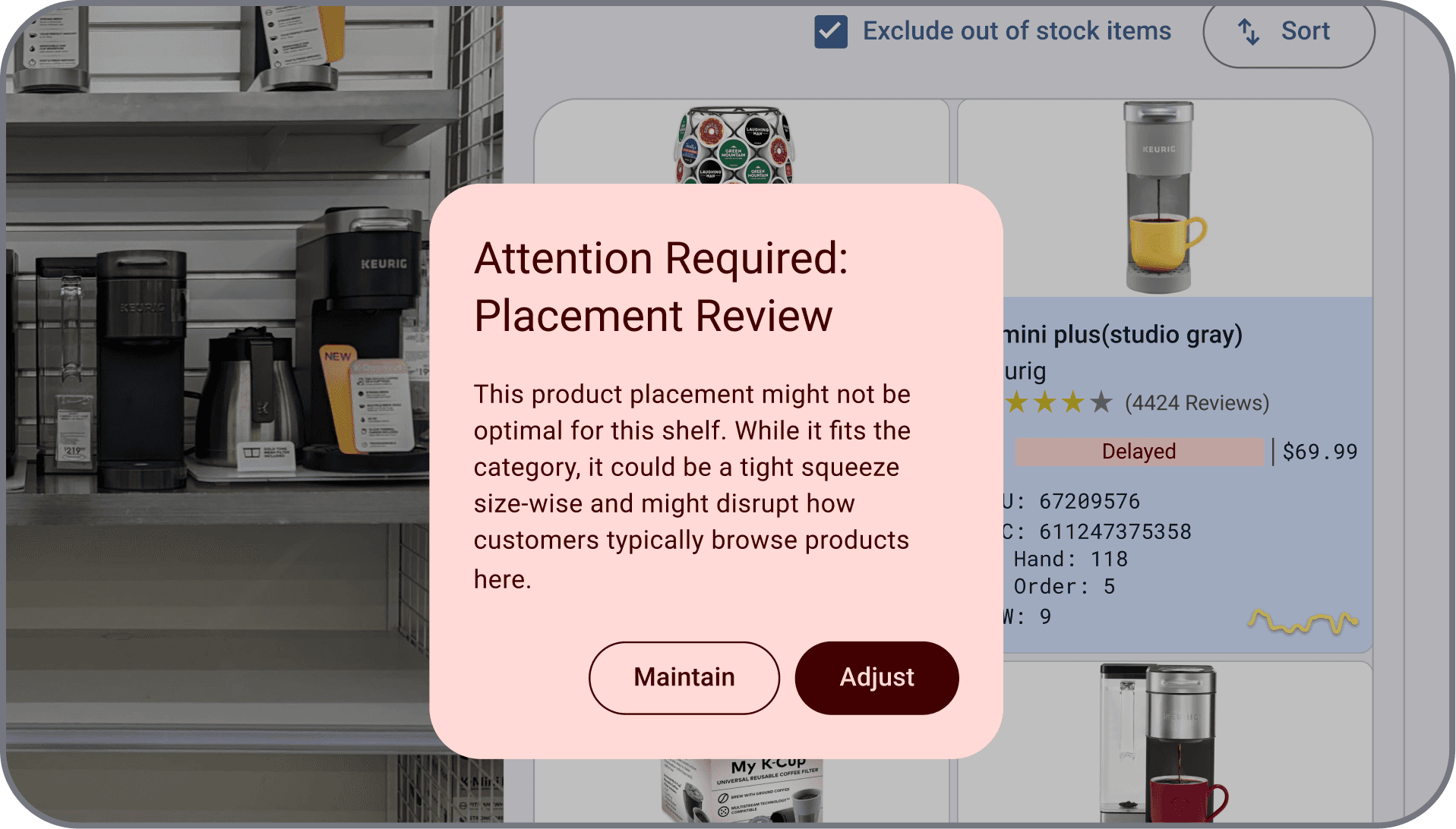
A before-and-after design iteration showing the transition from hidden menus to visible product cards and a hover-and-tap placement mechanism.

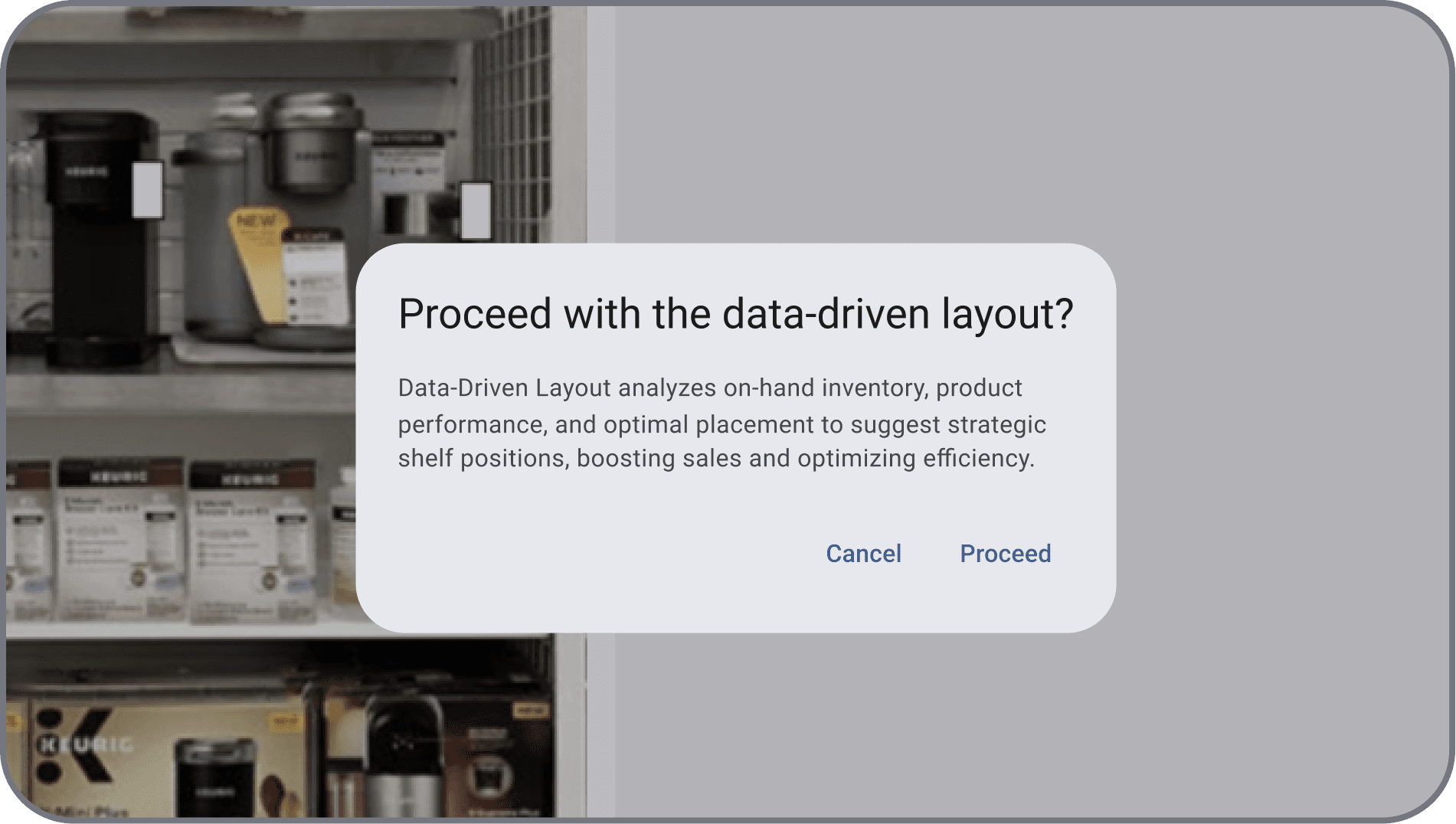
To address user confusion regarding hidden related products and a cumbersome click-and-drop feature, the design was iterated to integrate product cards directly onto the virtual shelf. A clarifying dialog box was added, and a hover-and-tap mechanism streamlined the product placement process, improving overall usability.

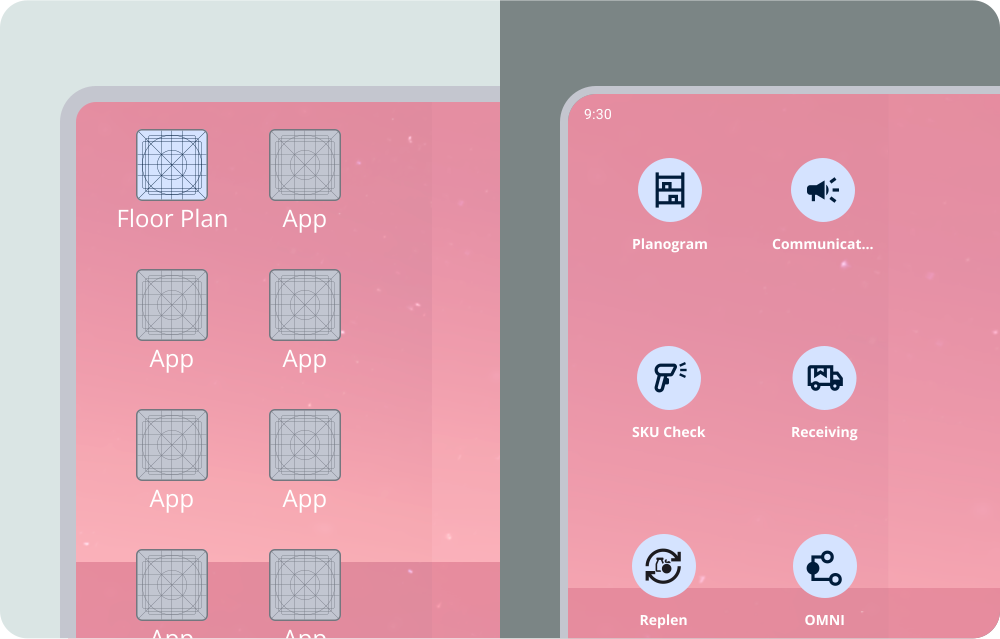
A before-and-after design iteration replacing generic icon placeholders with distinct functional icons to improve recognition and tap accuracy.

The previous design's uniform keylines for app icon placeholders led to user confusion during testing. To resolve this, distinct icons were implemented, clearly representing each app's function and improving tap accuracy. This change enhances the user's ability to quickly identify and select the desired application.

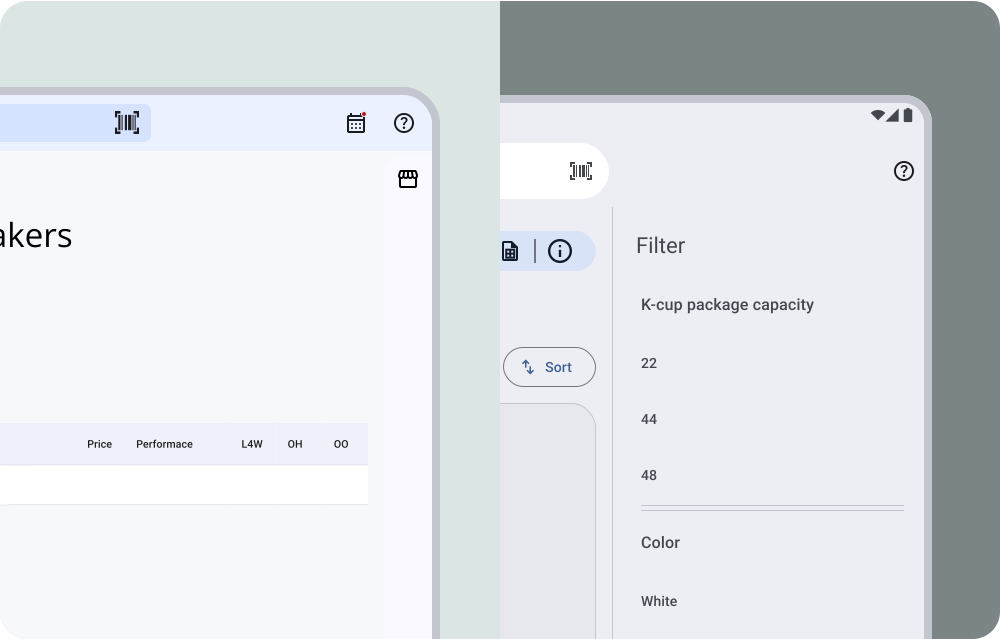
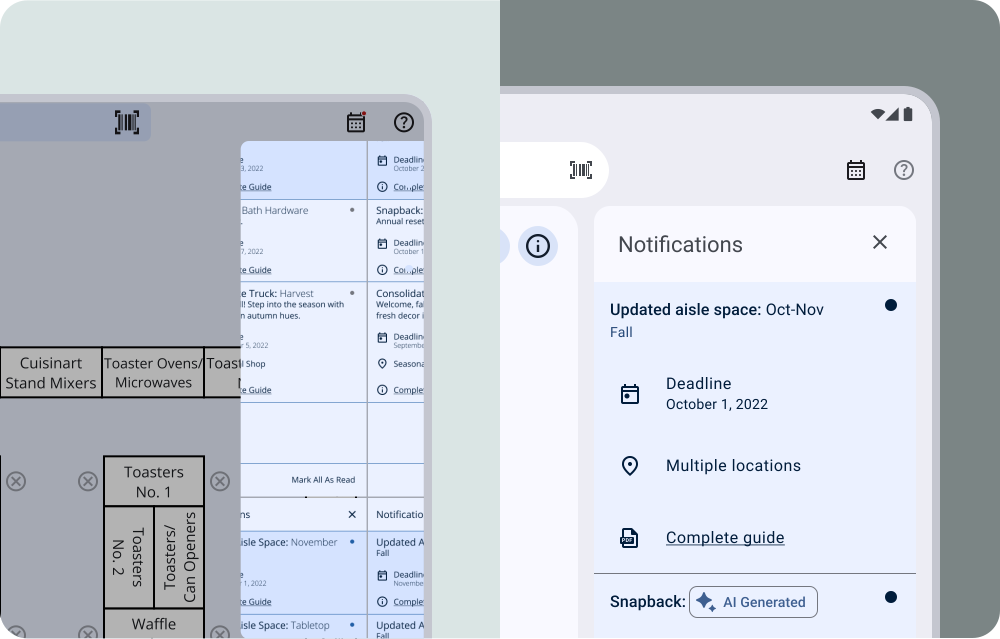
Before-and-after iteration replacing a chat icon with a calendar and transitioning from a static overlay to a responsive one.

User confusion arose from the 'chat' icon, which was intended for notifications but did not align with user expectations for task and deadline notifications. To address this, the icon was replaced with a calendar icon, aligning with user expectations for deadline-related notifications. Additionally, dot indicators were added to notification boxes to clearly differentiate read and unread items, enhancing visual clarity.

Final Design

Accessibility Considerations
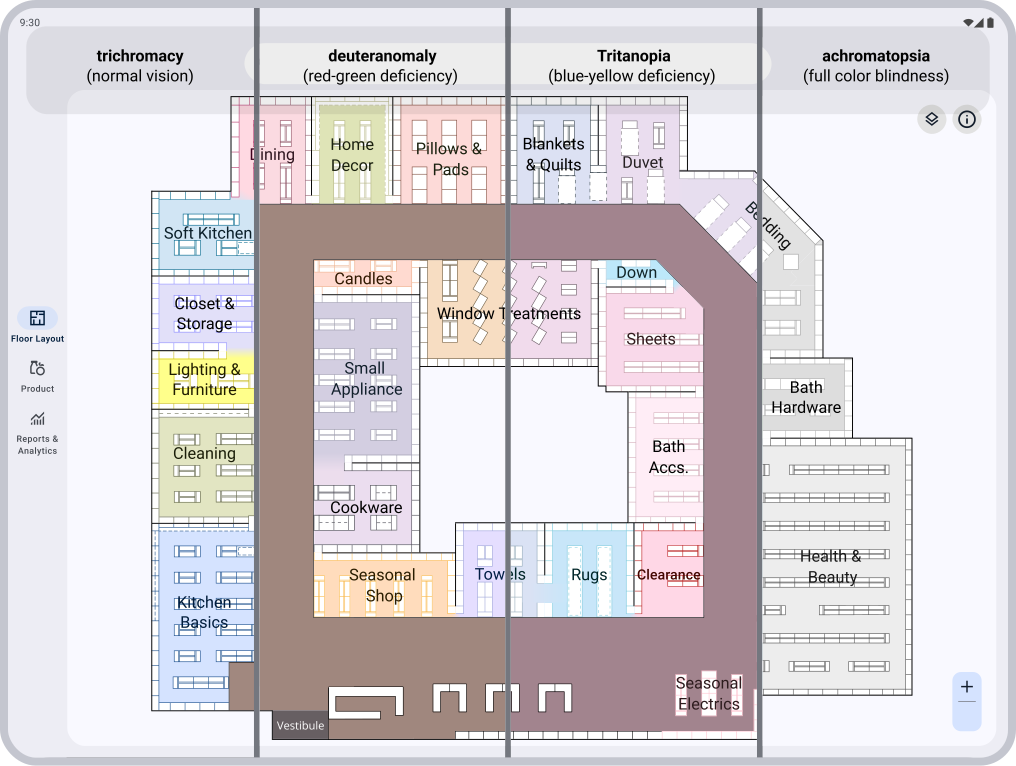
An accessibility breakdown showing how high-contrast colors, patterns, and text labels are used to assist users with color vision deficiency.

color vision deficiency: The app employs a high-contrast color palette to differentiate departments effectively. The design considers common color vision deficiencies, such as red-green and blue-yellow, by using distinct colors, patterns, and labels. This ensures an accessible and intuitive experience for all users.

An accessibility breakdown showing how consistent structural landmarks and familiar navigation layouts create a predictable, low-friction user experience. (148 characters)

Landmarks: Our app leverages familiar structural landmarks to create an intuitive user experience. By mirroring layouts users frequently encounter, navigation feels natural and effortless. This approach reduces the learning curve and enhances usability.
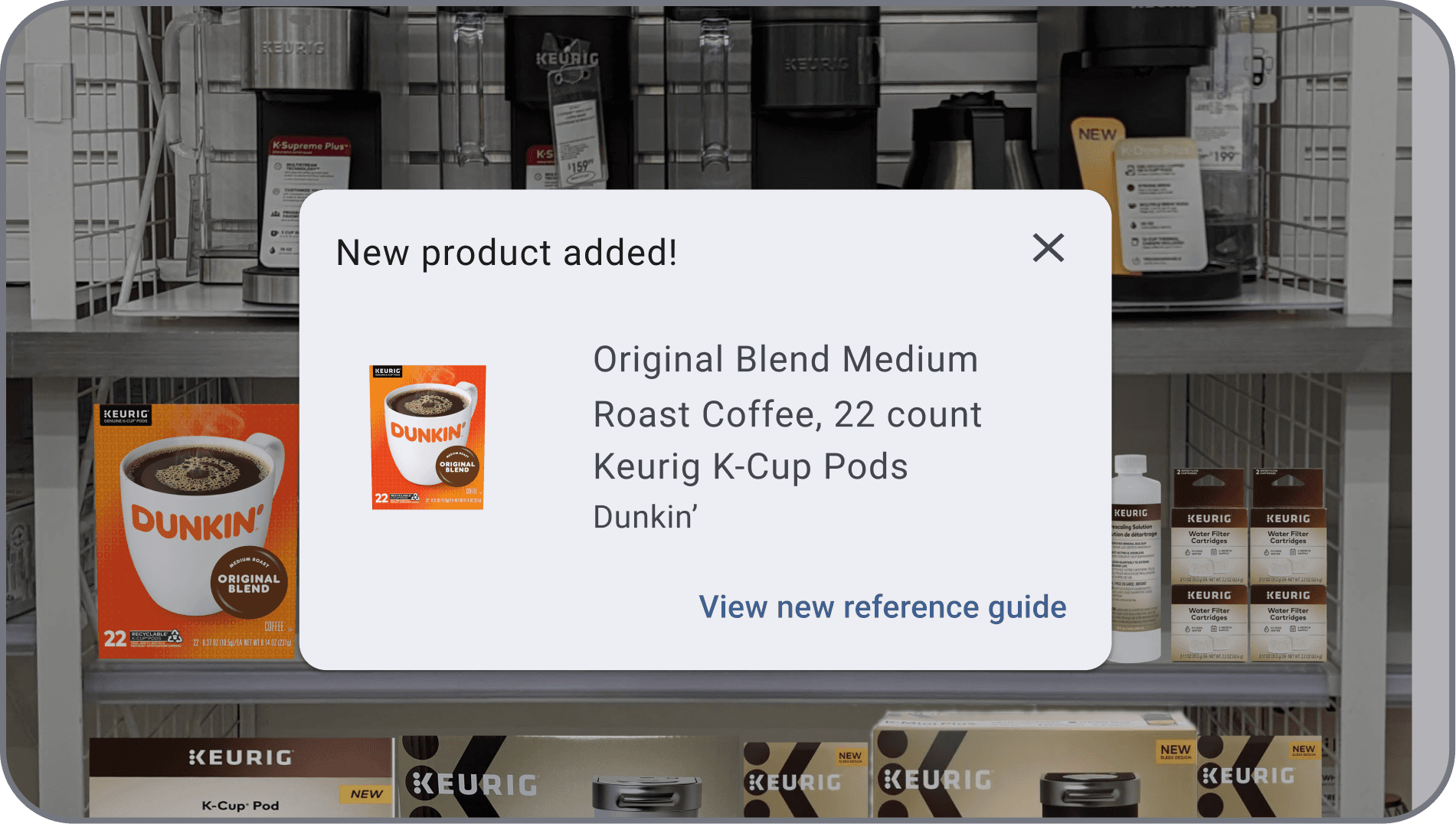
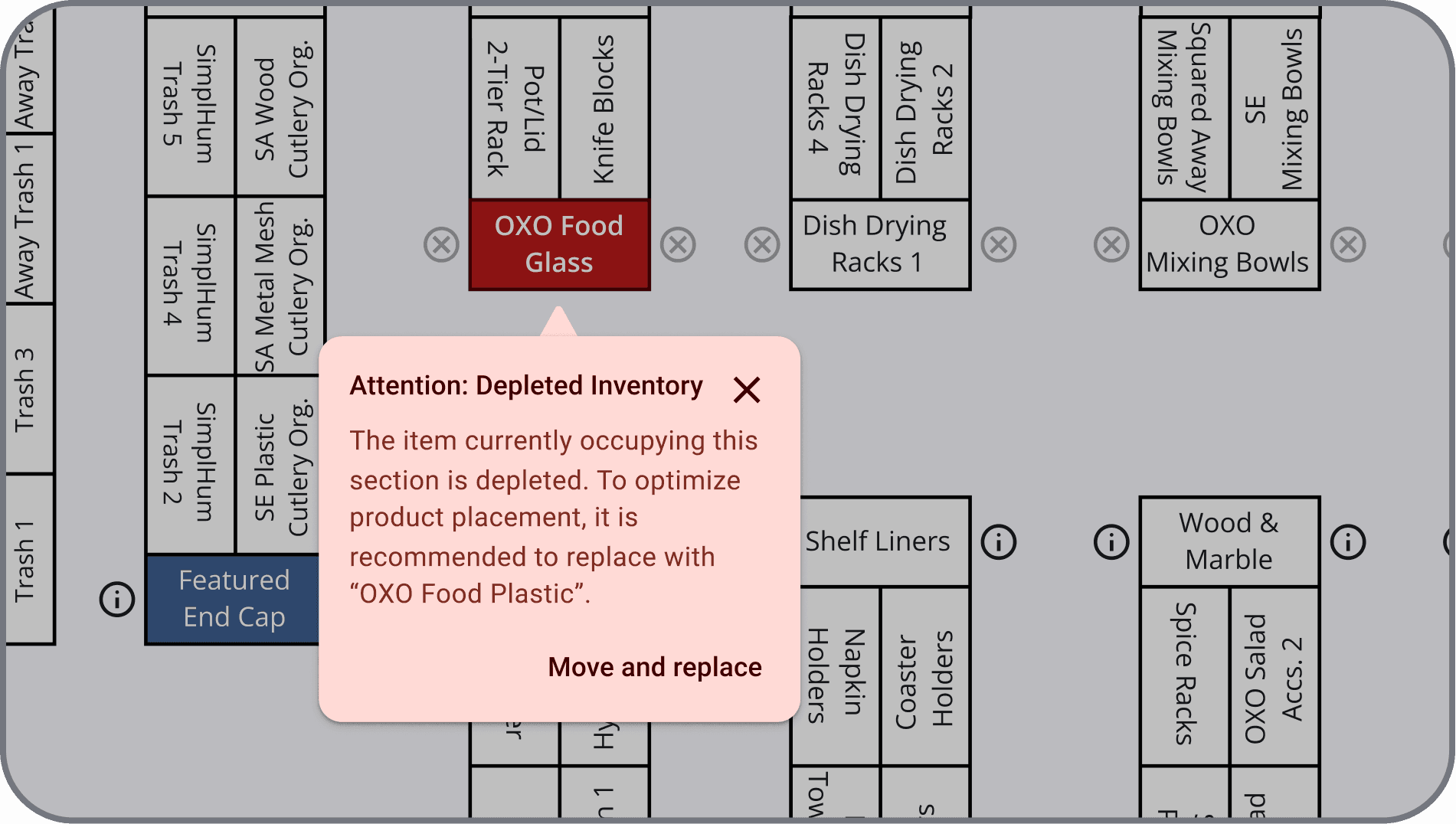
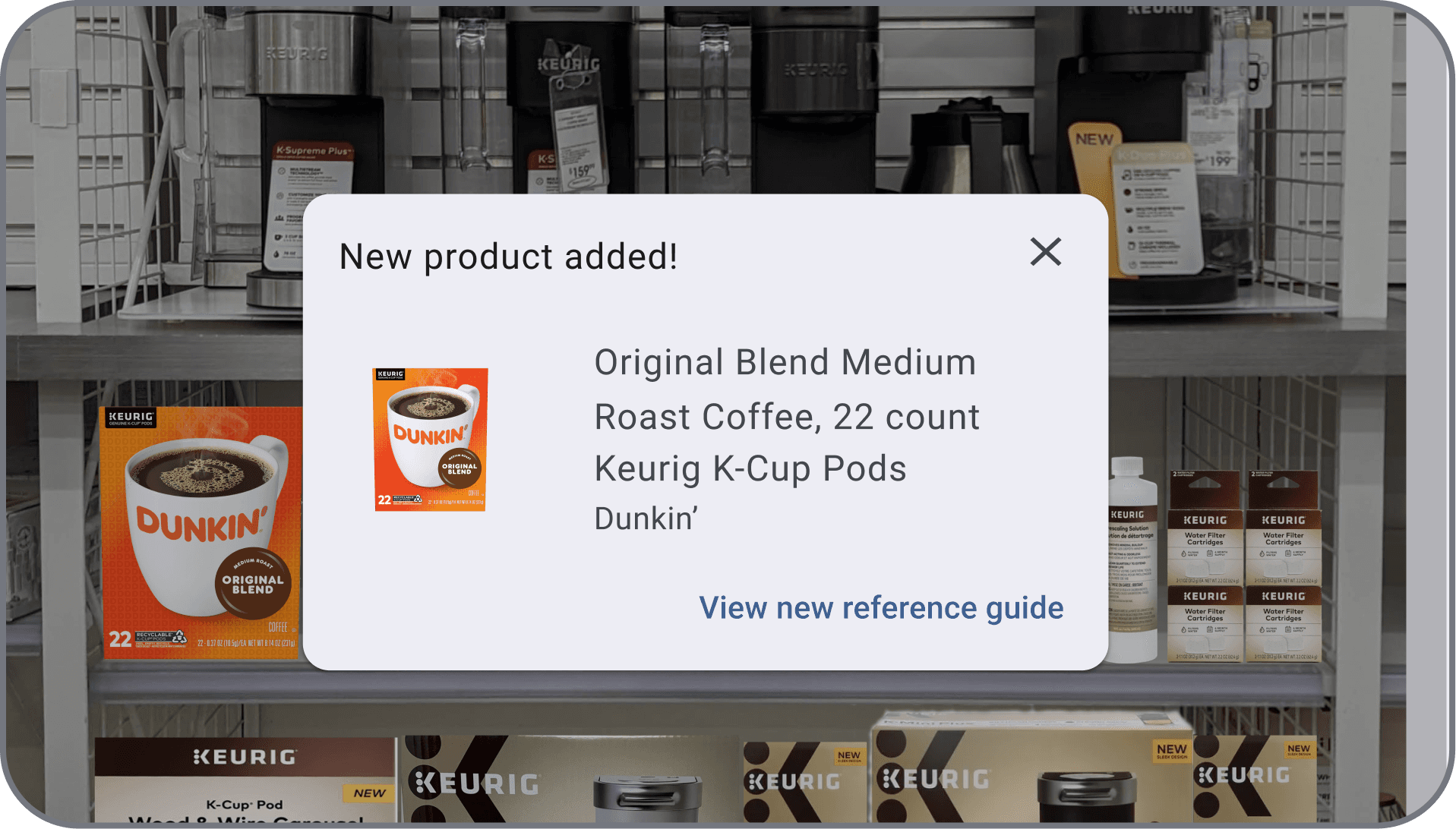
An accessibility breakdown showing the use of standardized dialog overlays and familiar platform interactions to ensure a predictable and frictionless user experience.

Dialog boxes: Our app utilizes intuitive dialog overlays that align with platform standards, ensuring a seamless experience. By using familiar interactions, users can quickly understand and respond to prompts without unnecessary friction. This approach enhances efficiency and accessibility.

What I Learned

This project reinforced the importance of designing for a diverse range of users, from management to temporary staff. I learned that balancing simplicity with functionality is crucial to ensuring accessibility across different skill levels. Great design isn’t just about aesthetics—it’s about making technology intuitive and effortless for everyone.

©2026 Justin Burrill. All Rights Reserved.

©2026 Justin Burrill. All Rights Reserved.